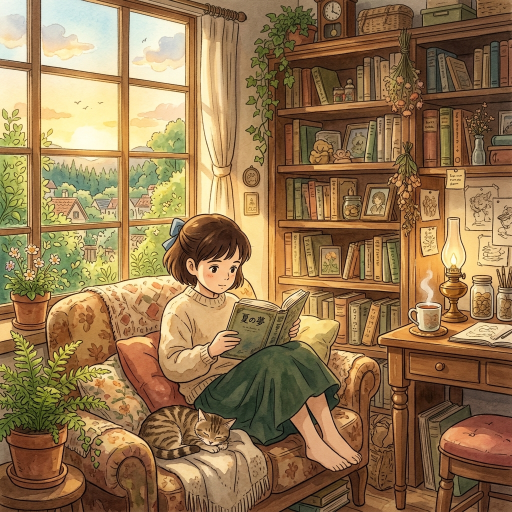
There is no universal “best” Ghibli image generator. Choose by workflow: edit a photo, make a new illustration, use an anime-focused model family, edit in a browser, or run a local node workflow. The options below are linked to current official documentation so you can check access, limits, and terms before starting.
“Ghibli-inspired” is an informal description of traits such as painted environments, natural light, expressive 2D figures, and quiet atmosphere. It is not an official quality label, and a generated image is not an original Studio Ghibli asset.
For editing an existing photo: ChatGPT Images
Start with the OpenAI Images help page. It documents creating images from instructions, uploading an existing image, and describing edits. The service is available on web and mobile according to that page. The practical limit is that edits can change faces, markings, text, or composition, so keep the original and review each result. Availability, model behavior, and account features can change.
For anime-focused generation: Midjourney Niji
Read Midjourney’s current version documentation. It describes Niji as a series developed for Eastern and anime aesthetics and illustrative styles, and documents Niji 7 and version-specific controls. Use the Midjourney website to check the current sign-in and plan path. The limitation is that Niji’s anime focus does not guarantee a Ghibli match, consistent characters, or a result that fits your budget or rights needs.
For browser editing and generative fill: Adobe Firefly
Adobe Firefly is a browser-based option for creators who want a visible editing interface. The Firefly access page provides the current entry point. Adobe’s Generative Fill documentation describes selecting an area and using a prompt to add or replace objects. Its limitation is that selection edits can change more than the highlighted area, and access, credits, exports, and model choices depend on Adobe’s current product terms.
For a local workflow: ComfyUI
For local, node-based control, use the ComfyUI official documentation, which provides installation, first-generation, workflow, and model guidance and states that ComfyUI is open source and can run on a local device. You must install the application, obtain compatible model files, and confirm each model’s license. Hardware, storage, drivers, and workflow setup are your responsibility; “local” does not mean effortless or cost-free.
How to choose
| Need | Starting point | Main limitation to check |
|---|---|---|
| Upload and edit a personal photo | ChatGPT Images | Identity, text, and composition can drift |
| Anime-oriented model family | Midjourney Niji | Anime focus is not a Ghibli guarantee; plans and access vary |
| Browser masking or object replacement | Adobe Firefly Generative Fill | Edits may extend beyond the selection; access/credits vary |
| Local, node-based control | ComfyUI | Installation, hardware, model files, and licenses are your responsibility |
Before uploading a photo, review privacy and retention terms. Before commercial use, review the current service terms, the rights in the input image, and the model license where applicable.
Prompting for a useful result
Describe the subject, setting, viewpoint, light, palette, texture, and constraints:
A small coastal train station after rain, viewed from the platform, layered hand-painted background, soft natural light, muted greens and warm windows, expressive but grounded 2D figures, preserve the station’s roof and sign shape, no invented lettering.
If you are editing a photo, say what must remain recognizable and make corrections one at a time. Inspect the output for altered identity, anatomy, text, and geography.
FAQ
Which generator should I start with?
Use ChatGPT Images for an upload-and-edit workflow, Midjourney Niji for an anime-focused model family, Firefly for browser-based generative fill, or ComfyUI for local node control. Check the linked official documentation and current plan or hardware requirements before choosing.
Can I use a free generator?
Free access, credits, and local costs vary. Check the current official plan, access, or installation pages; local hardware and model licensing can still create costs or restrictions.
Can I sell a generated image?
Check the current tool terms, the rights in your input image, and any model license. This guide does not grant commercial permission.
Why might an output fail?
Image tools can alter faces, hands, lettering, landmarks, and small details. Use a clear reference, state what must remain, and review revisions one at a time.