Tips, Tutorials & Updates
Learn how to get the most out of AI photo editing, straight from our team.
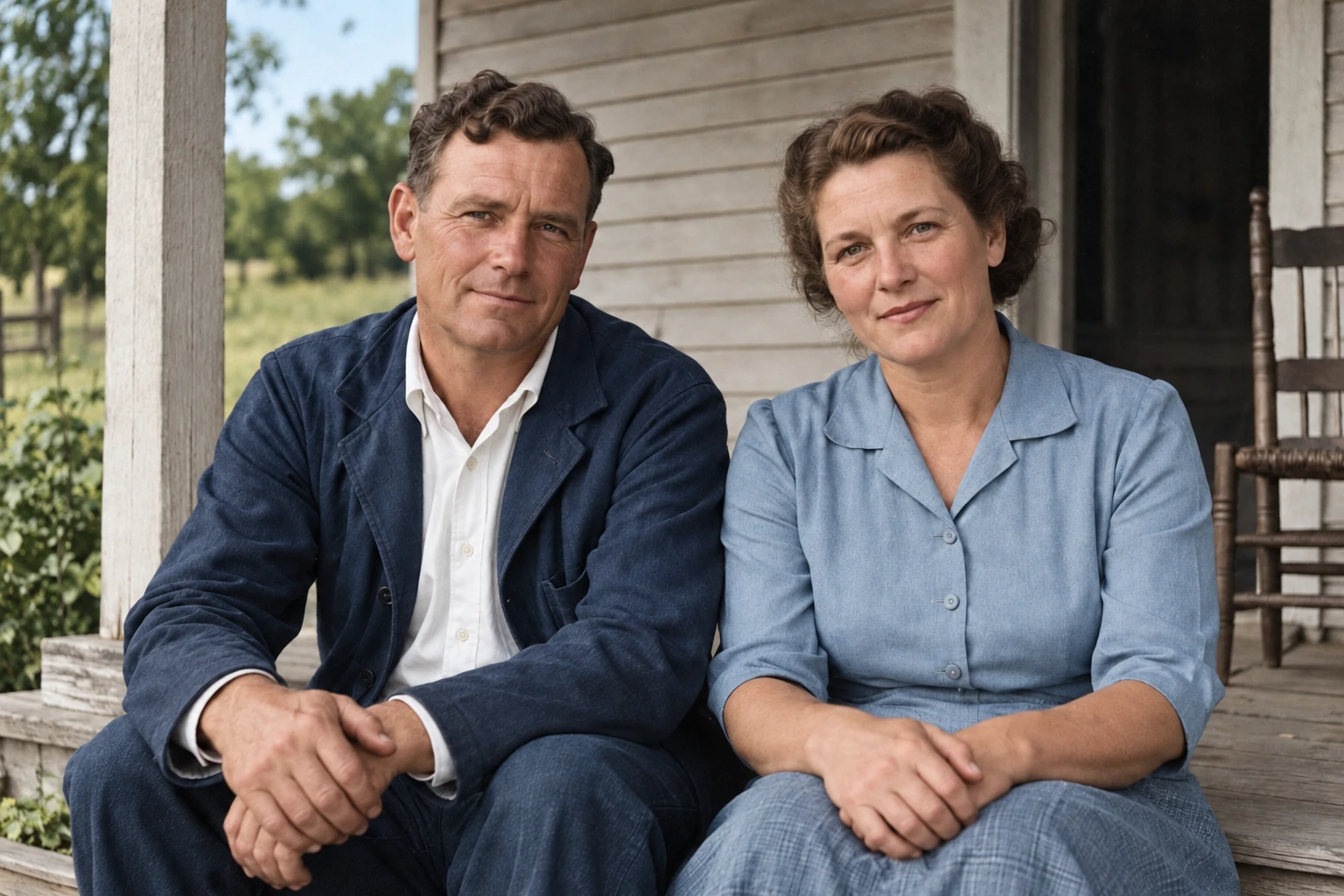
How to Colorize Black-and-White Photos
Colorize a black-and-white photo in Photoshop, correct skin and clothing colors, preserve the original, and save a clearly labeled colorized copy.
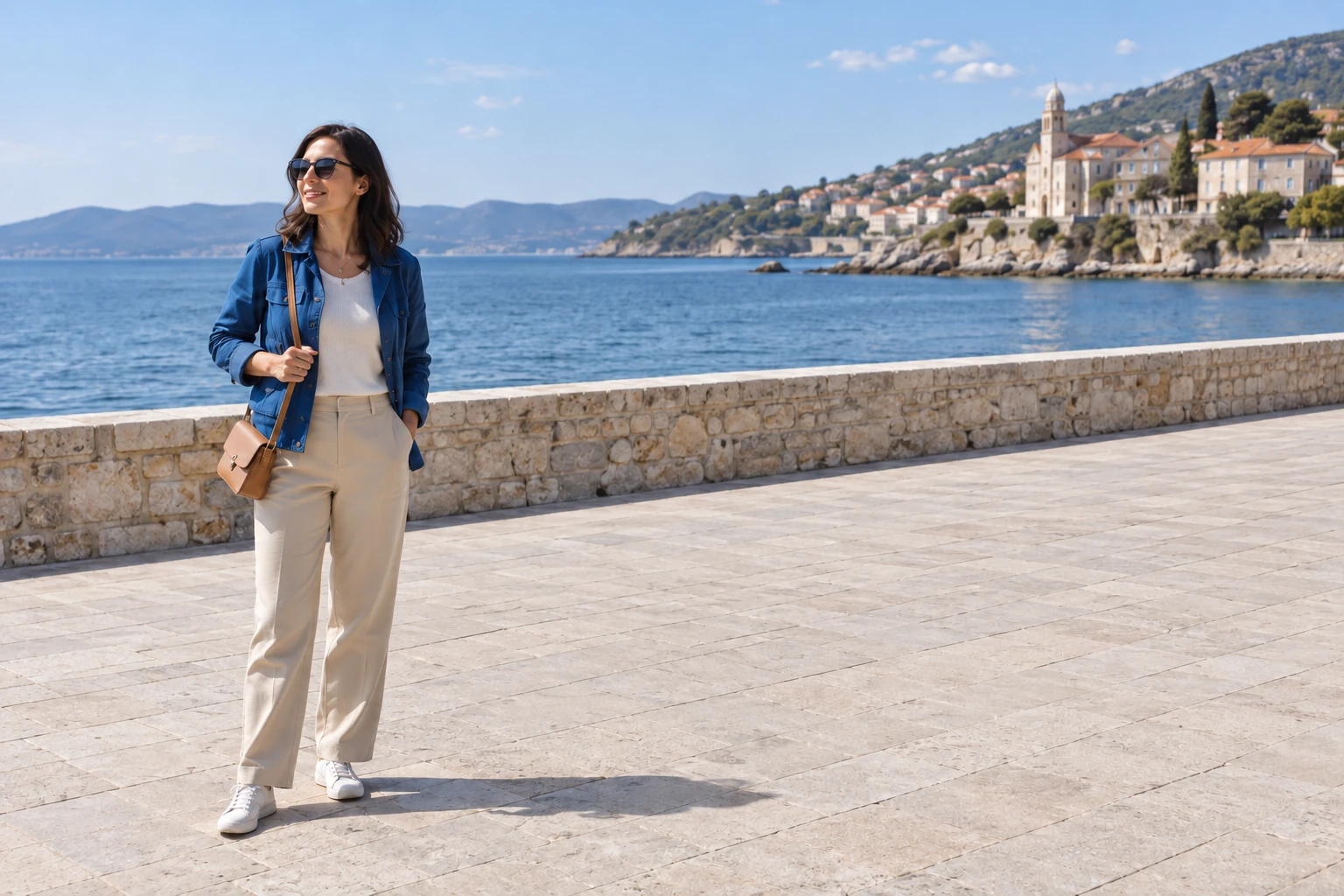
How to Remove Someone from a Photo Without Losing the Main Subject
Remove a background person with a browser prompt or Photoshop's Remove tool. Learn how to preserve your subject and fix shadows, reflections, and bad fills.
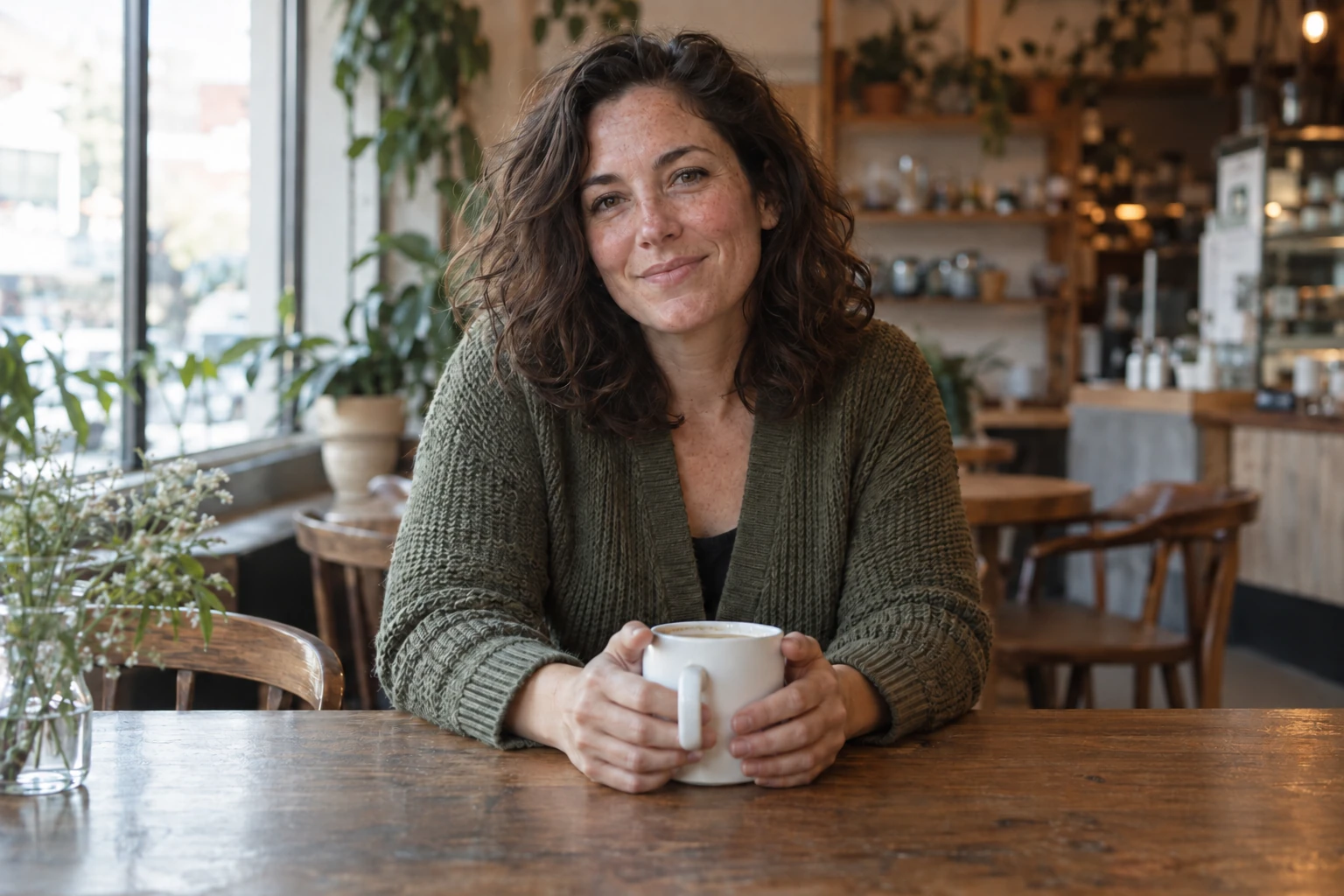
ChatGPT Photo Editing Prompts: Practical Edits for Your Own Photos
Copy practical ChatGPT photo editing prompts for lighting, background cleanup, and portraits, with clear preservation rules and checks before you save.
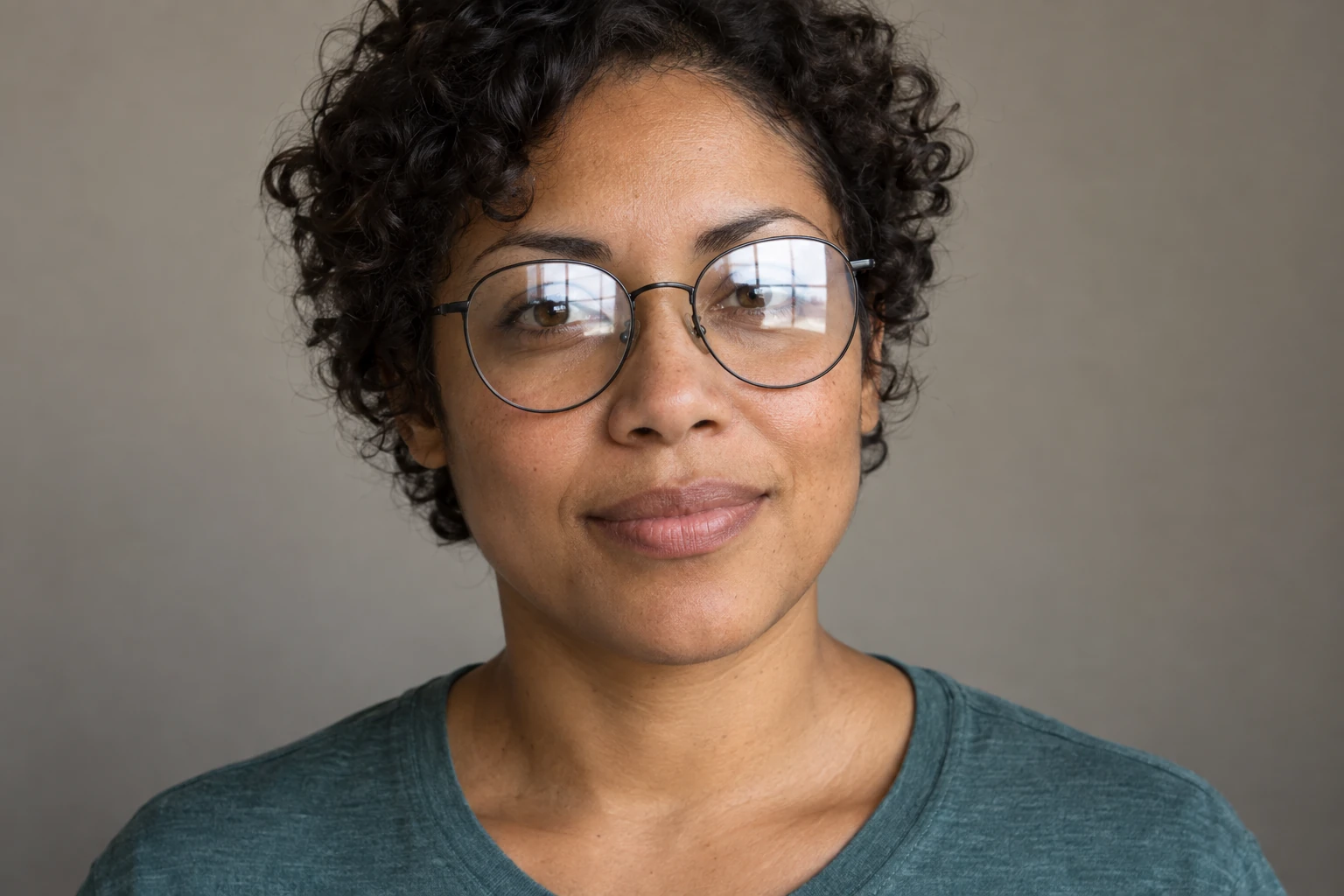
How to Remove Glare from Glasses in Photos
Reduce glasses glare with a focused AI prompt or local edits. Follow practical steps, check eye detail, and know when to use another photo.
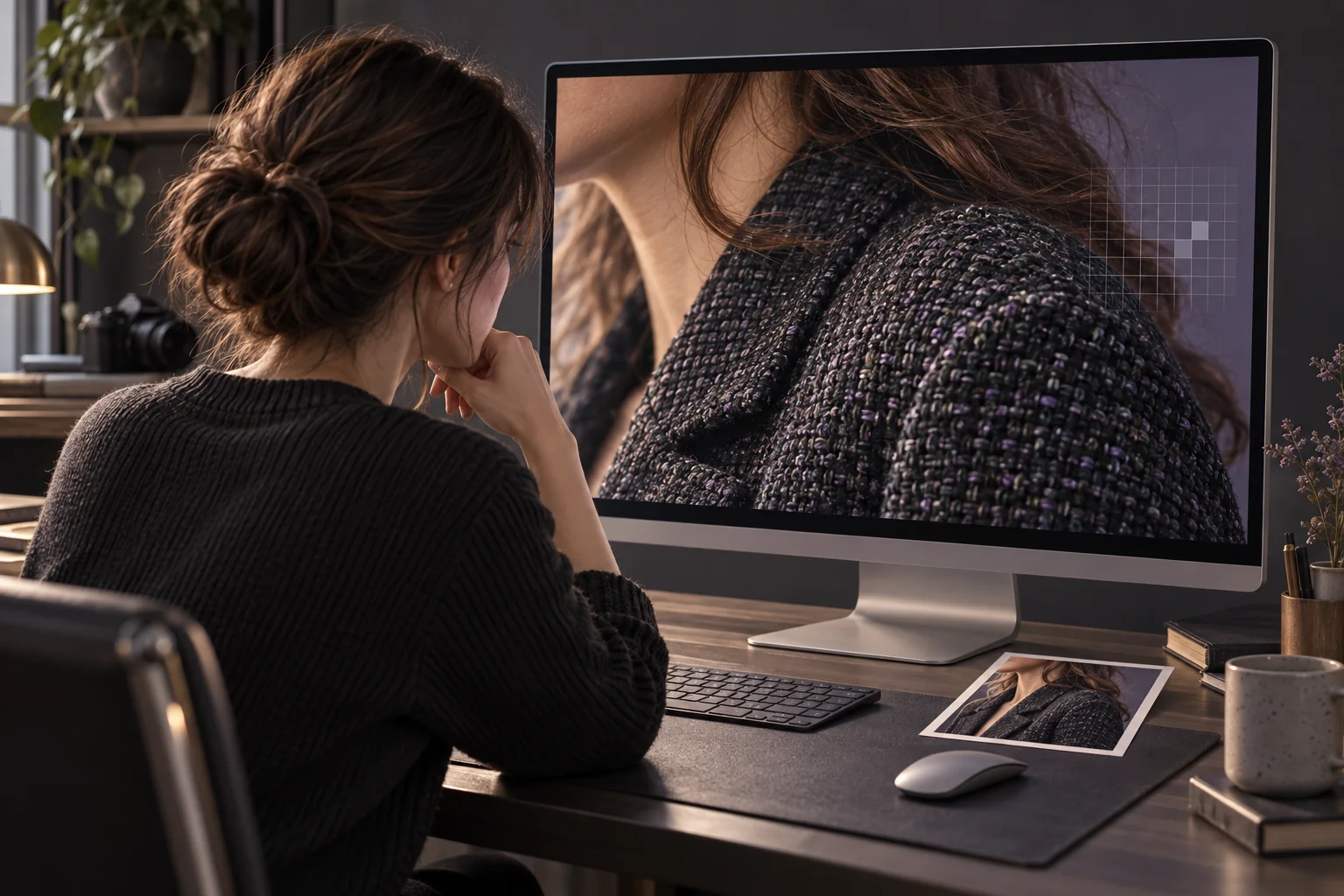
Why AI Upscaling Makes Photos Look Fake: A Visual Checklist
Check AI-upscaled photos for fake texture, halos, plastic skin, and changed text. Compare equal-size views and 100% crops before keeping the result.
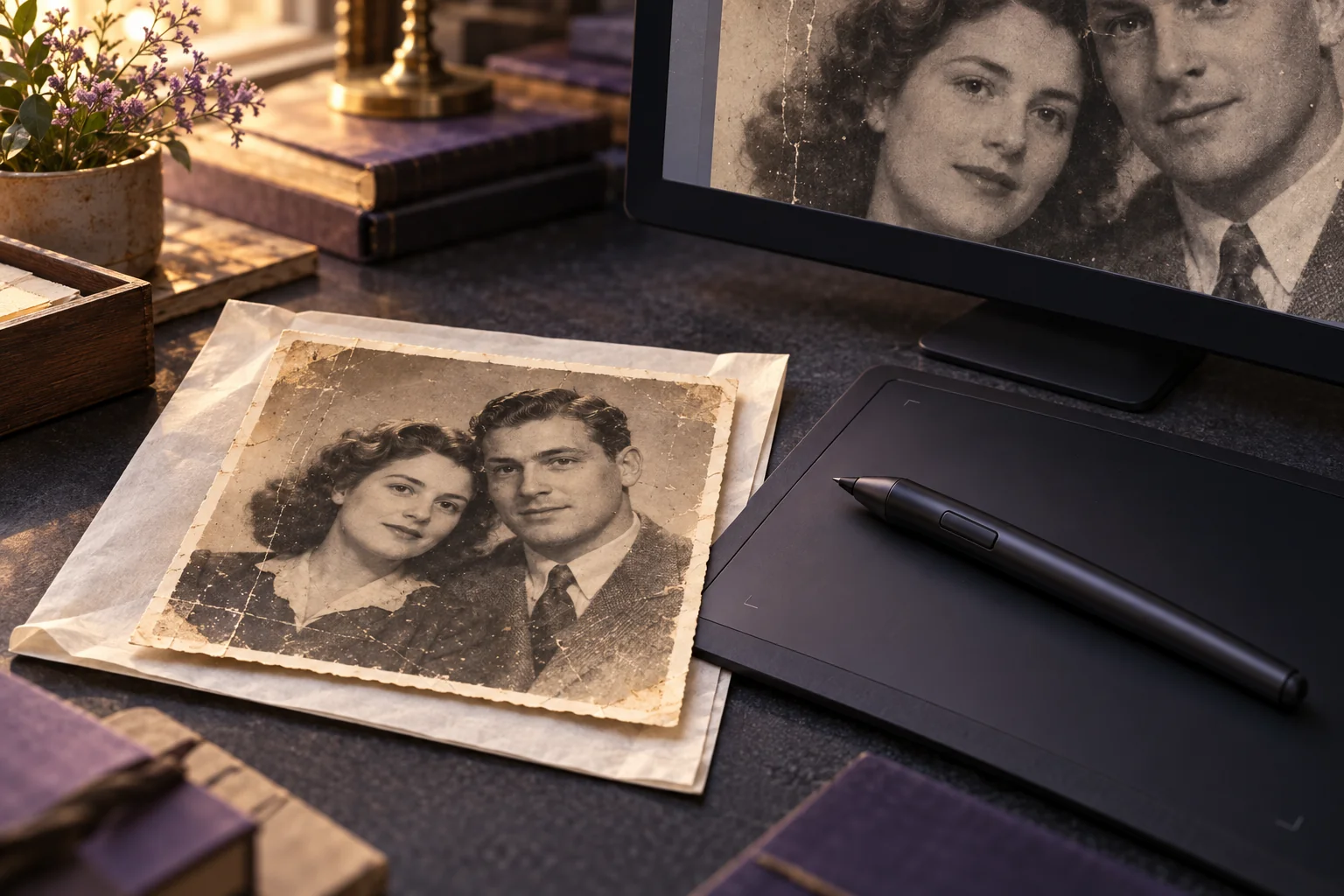
AI Photo Restoration vs Manual Retouching: When to Use Each
Compare AI photo restoration and manual retouching by damage, control, and review needs. Use a practical brief to choose DIY or a restoration service.
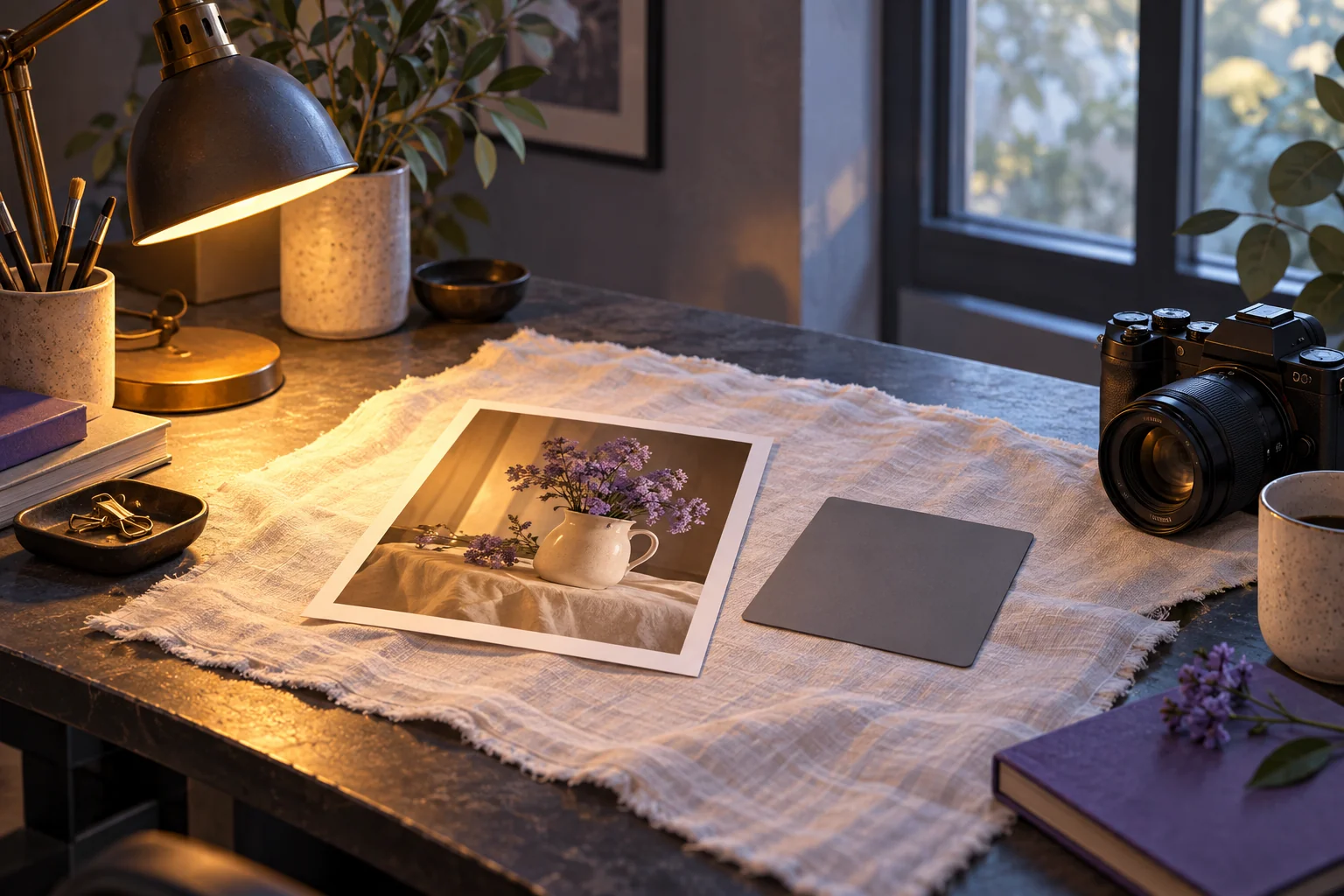
Fix Yellow Indoor Photos Without Making Skin Look Gray
Fix yellow indoor photos with white-balance checks, mixed-lighting options, and a skin-tone checklist. Know when to keep warmth or stop editing.
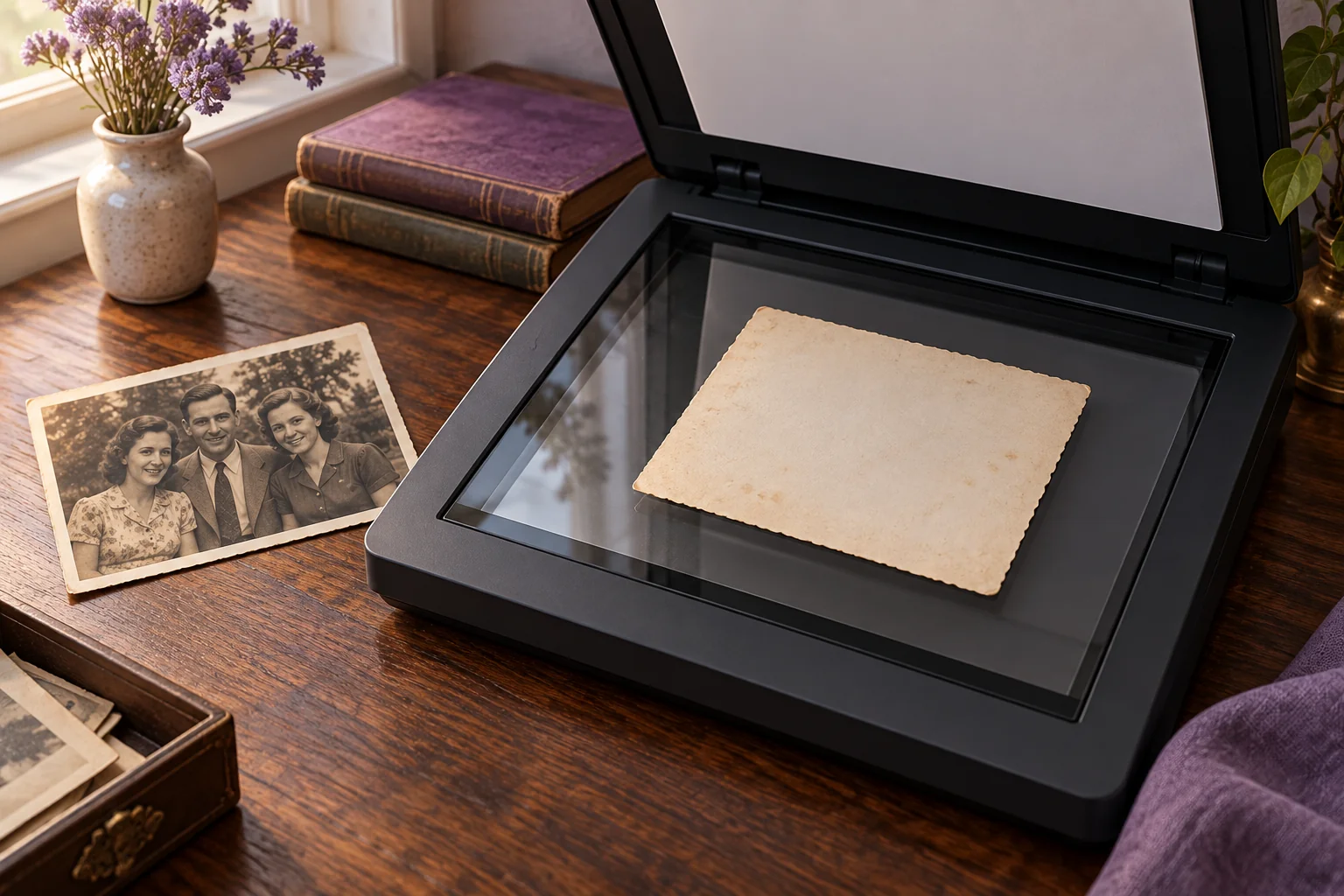
Scan Old Photos for AI Restoration: A Beginner’s Checklist
Scan old photos for AI restoration with resolution math, glare checks, and separate master and upload files. Preserve borders, backs, and originals.
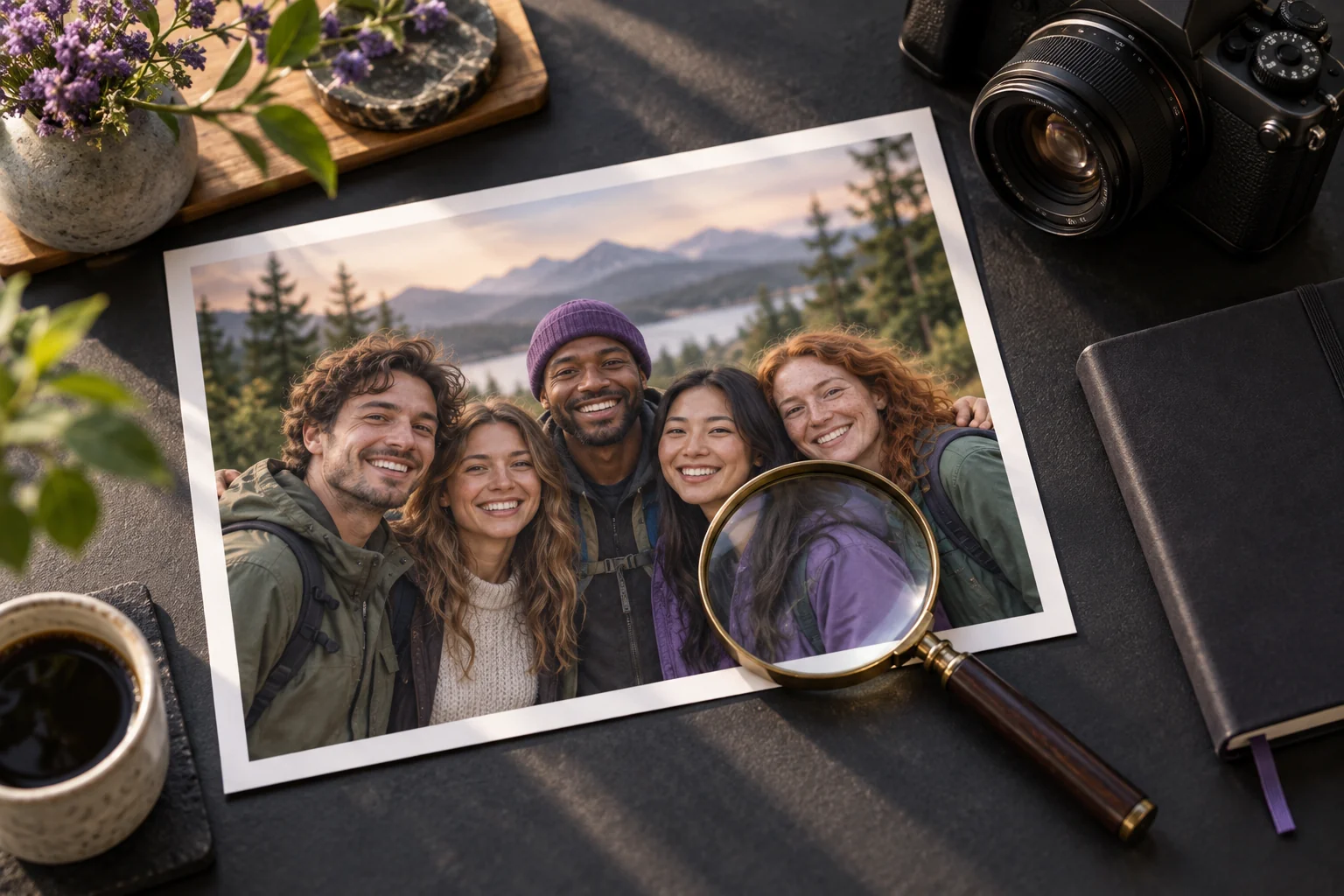
Fix a Blurry Group Photo: A Face-by-Face Review Guide
Assess a blurry group photo before AI editing. Compare every face, spot changed eyes and mouths, and decide when to keep the original or stop.
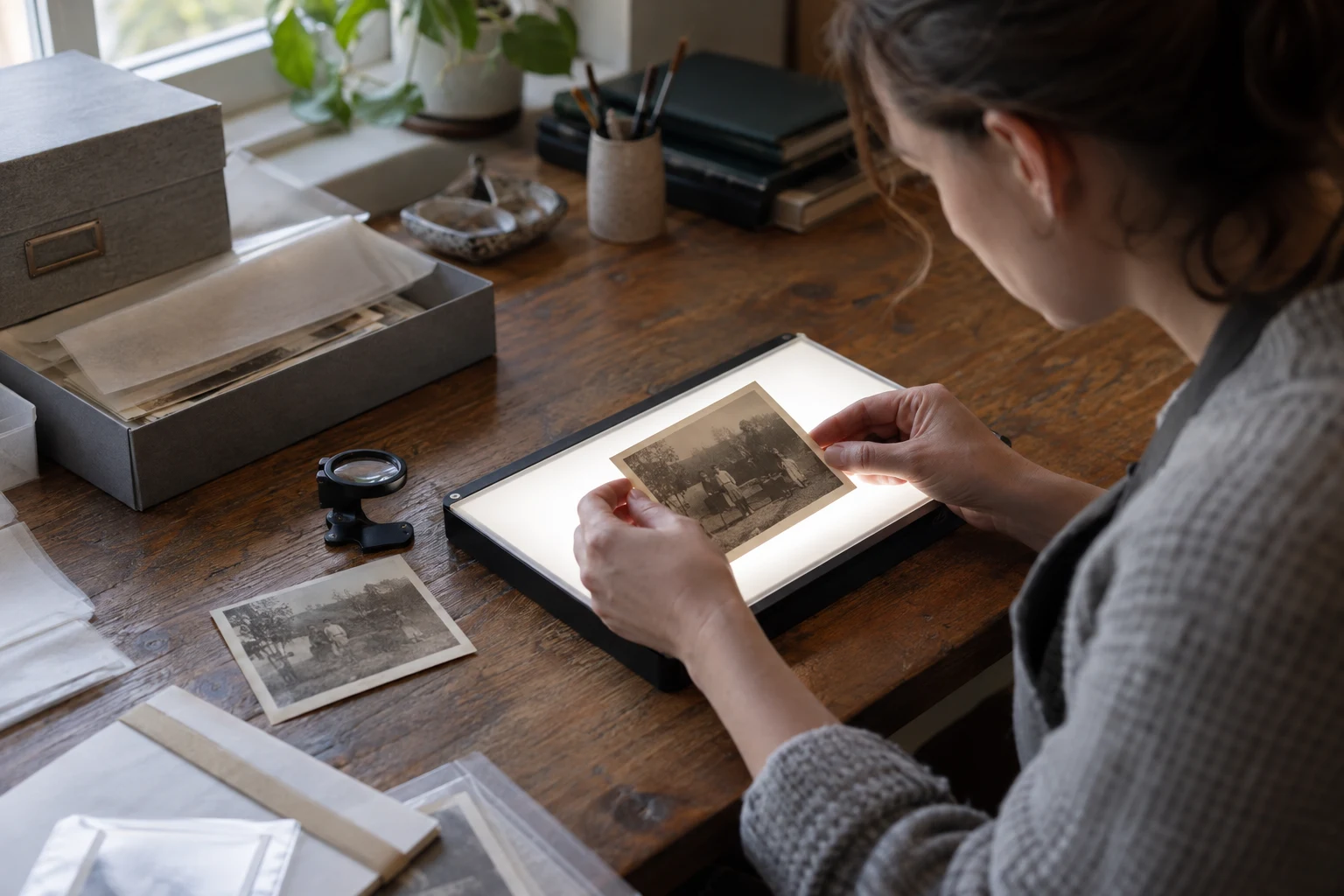
Restore Old Photos Without Changing Faces: A Careful Checking Guide
Learn how to judge an old-photo restoration for likeness, invented detail, and damage before you keep the file or print it.
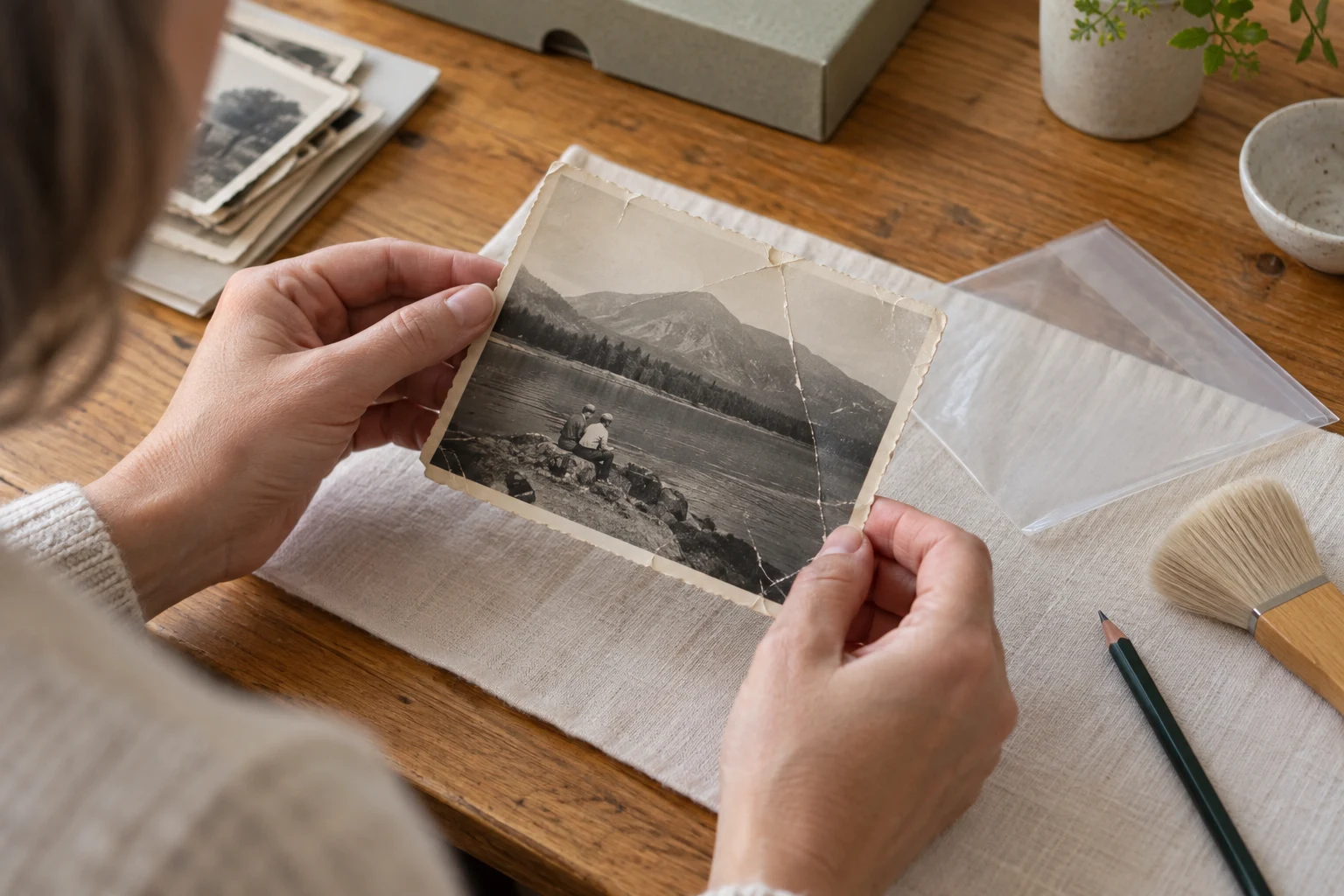
Remove Scratches and Creases from Old Photos: What to Check
Sort scratches, folds, and missing areas before restoring an old photo. Use a careful AI workflow and know when local repair or conservation is safer.
How to Brighten Dark Photos Without Washing Out Skin
Learn how to brighten an underexposed photo while checking skin, shadows, and highlights so the result stays believable.
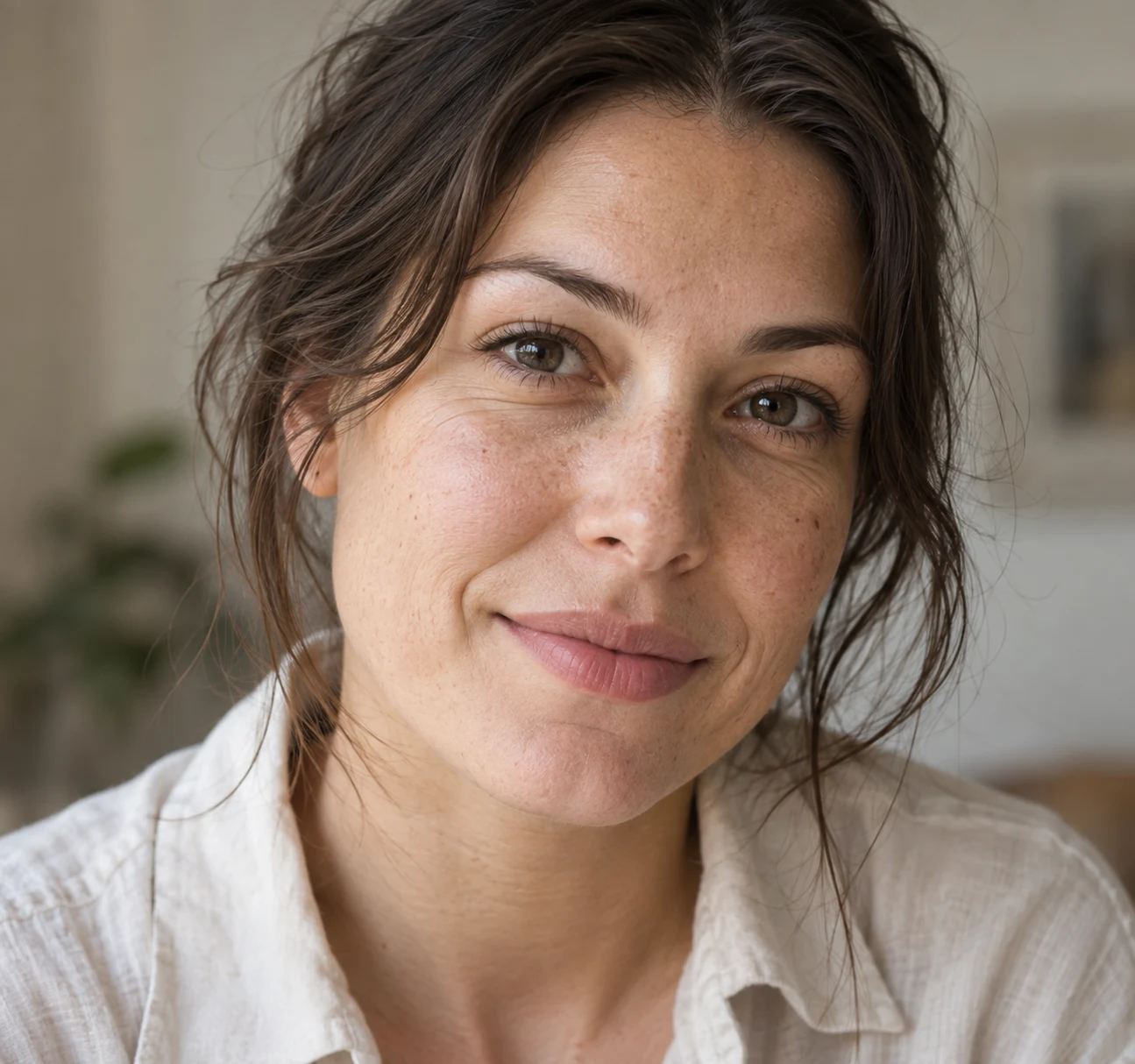
Natural Portrait Retouching: Keep Skin Texture, Not Plastic Skin
Use a restrained portrait-retouching workflow to reduce distractions while keeping pores, freckles, lines, and facial structure believable.
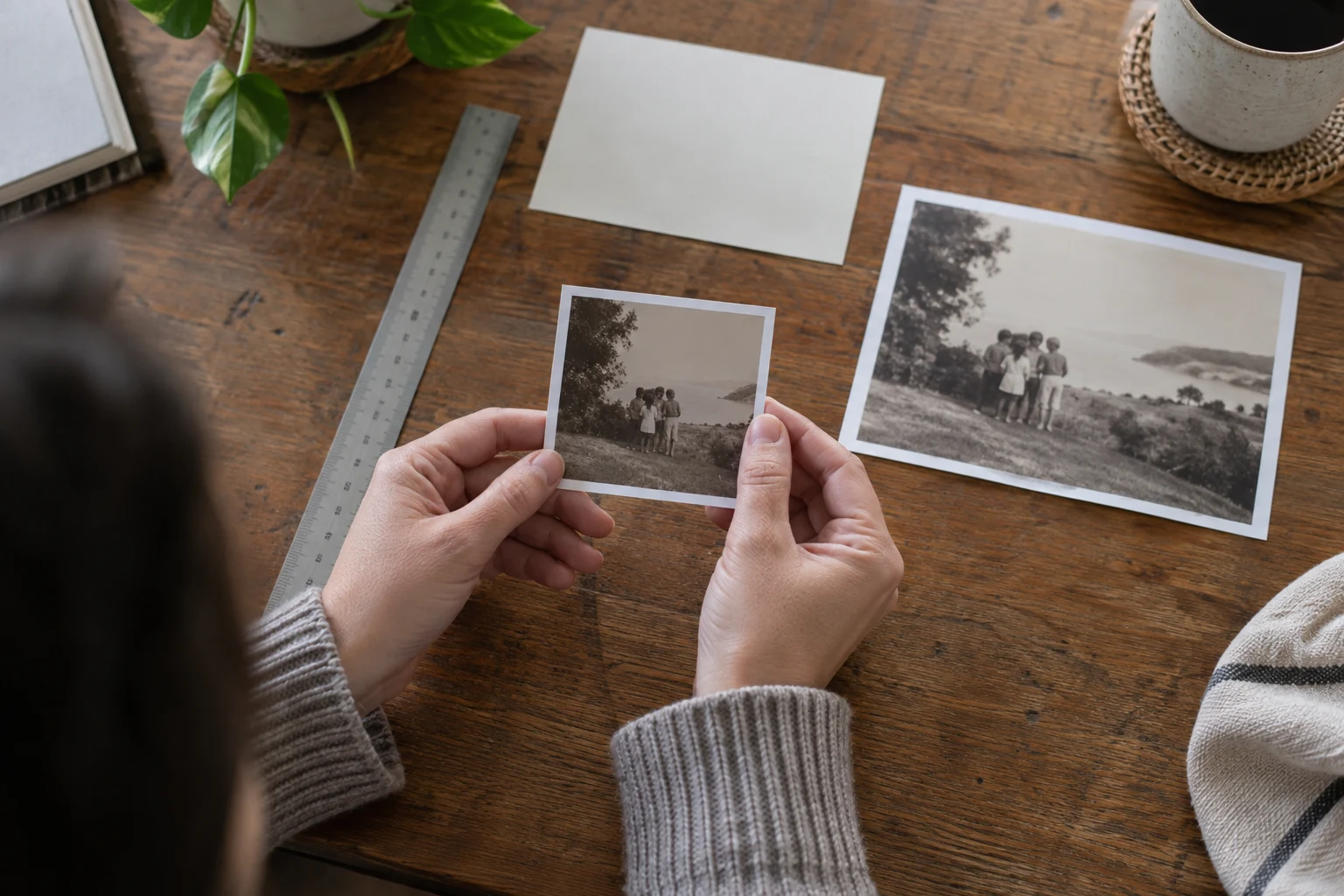
Enlarge Old Photos for Printing: Restore, Check, and Export
Use a scan, pixel math, and a small proof to enlarge an old photo for printing. Learn what restoration and upscaling can—and cannot—recover.
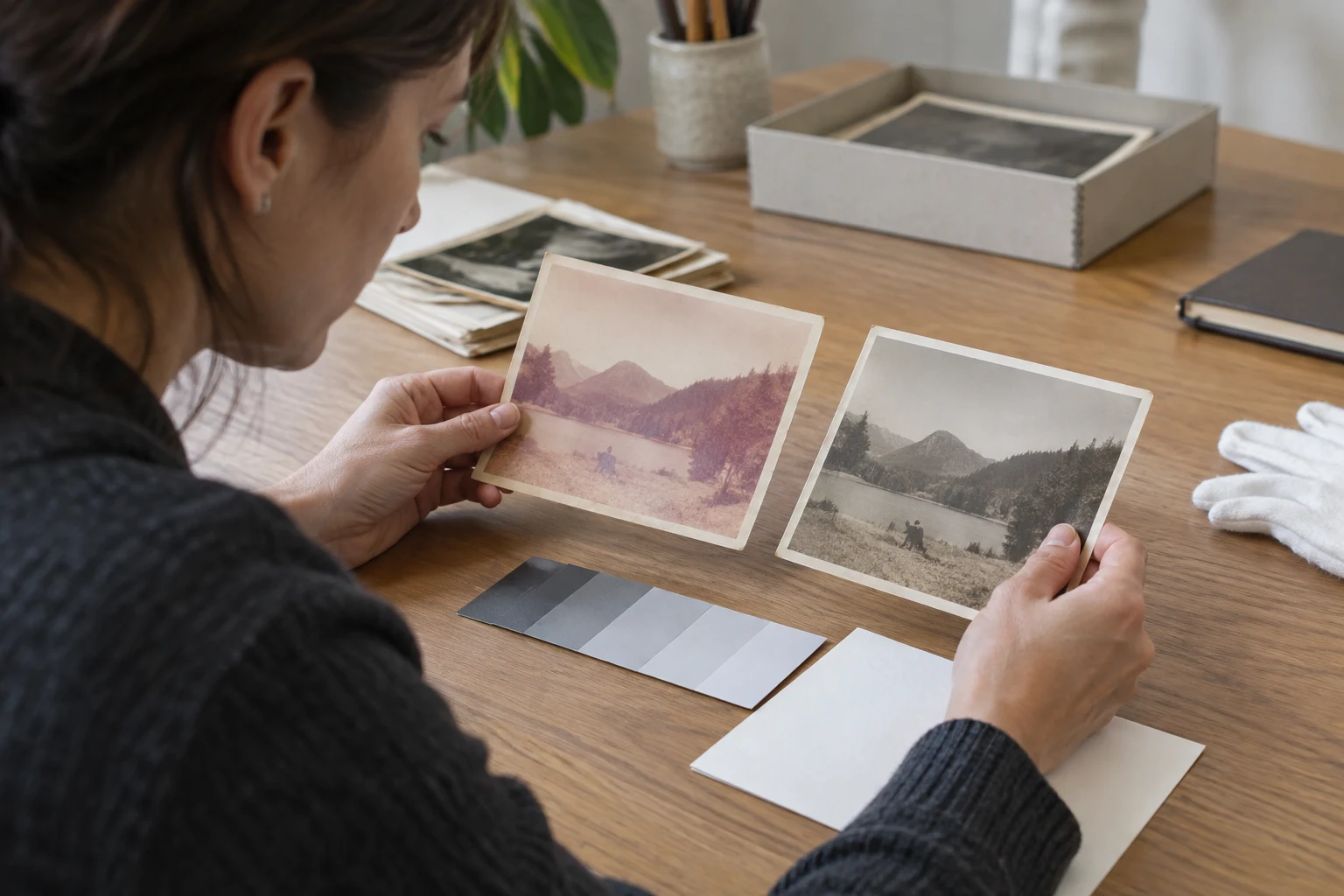
Restore Faded Color Photos Without Overdoing the Colors
Separate fading from color casts, correct an old color photo carefully, and spot invented color before you share or print the result.
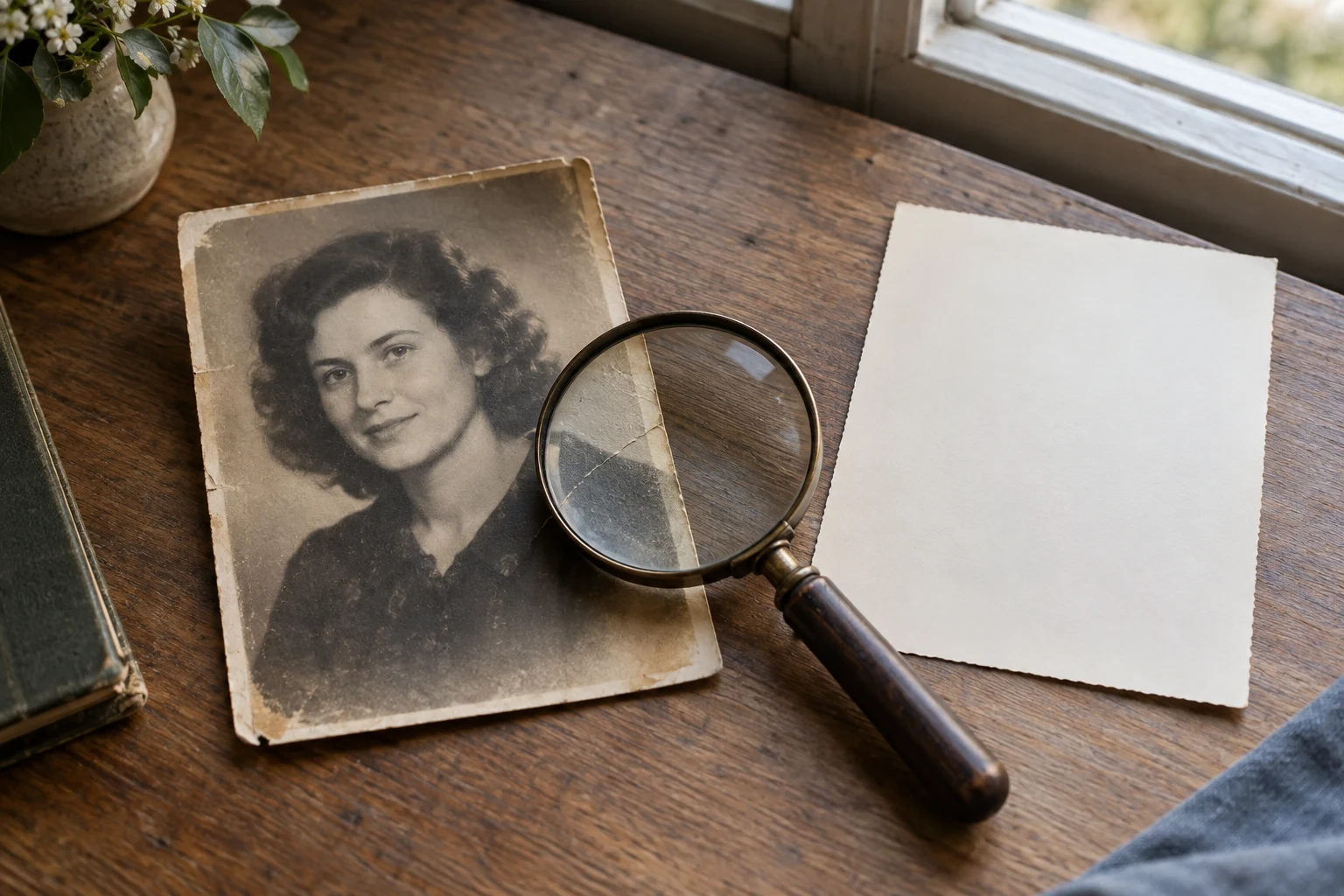
Photo Restoration vs Enhancement vs Upscaling: Choose the Right Fix
Learn the difference between photo restoration, enhancement, and upscaling, then choose the right Photo Editor AI tool for the defect you can see.
Can You Use AI Images Commercially?
Separate provider permission, copyright, and third-party rights for ChatGPT, Gemini, Adobe, and other AI images before commercial publication.
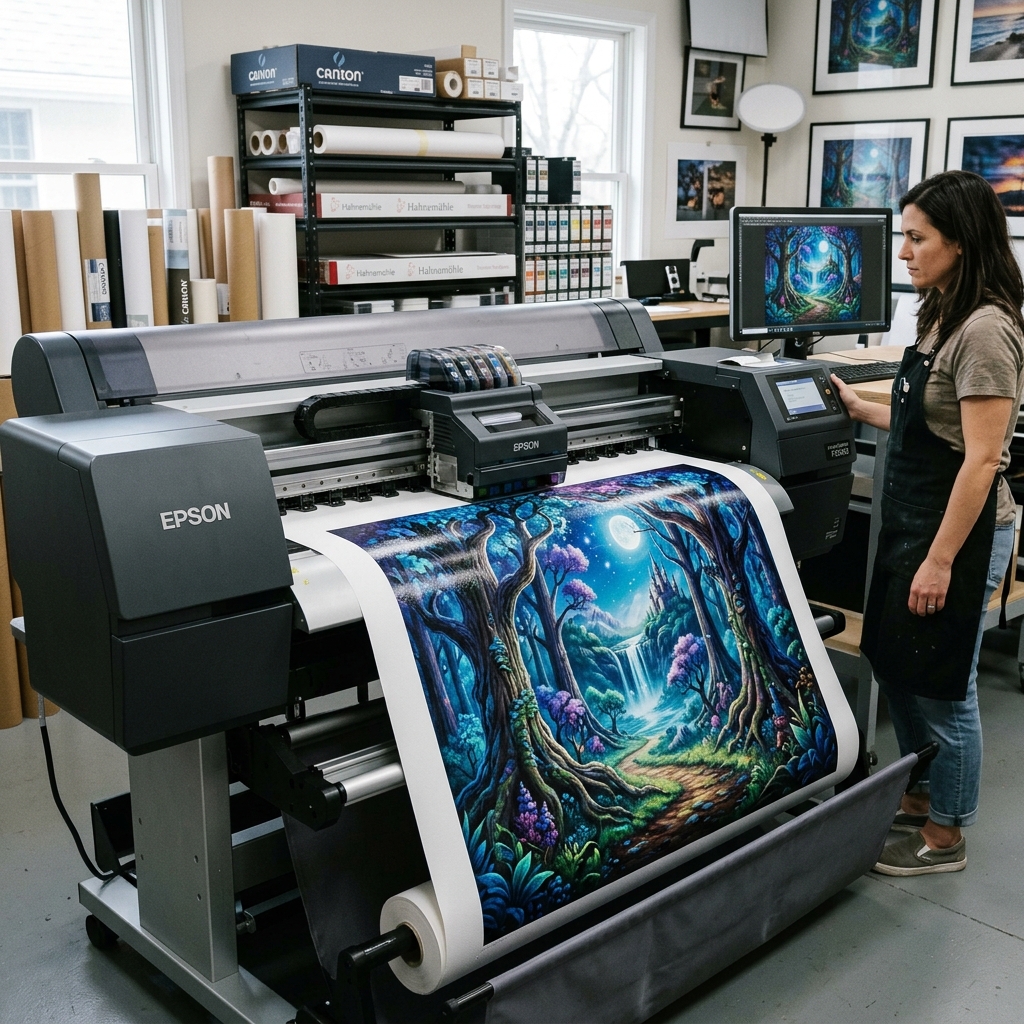
Upscale an Image to 4K: Check Pixels, Detail, and Free Limits
Crop a source to 16:9, use Upscayl's documented Custom Width workflow, verify the saved pixel dimensions, and check the limits of online 4K claims.
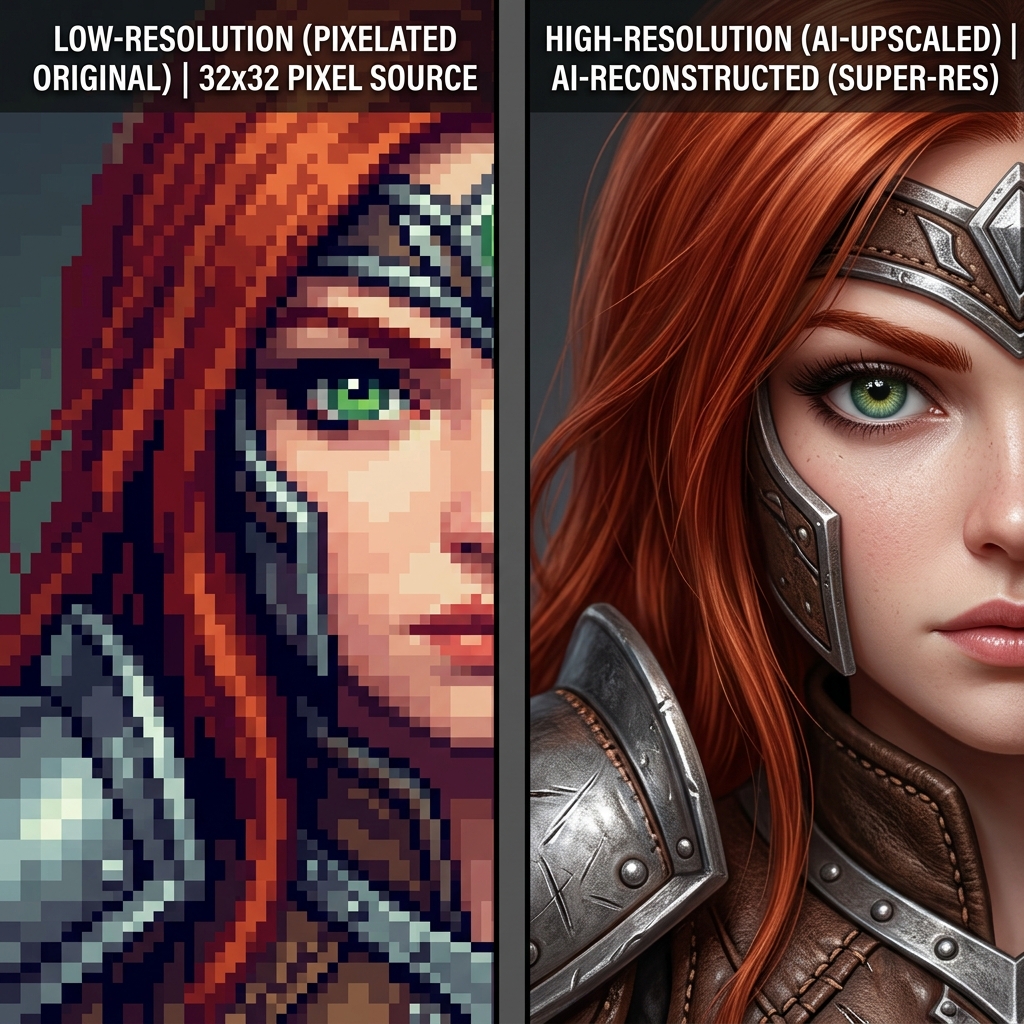
4K vs 8K Image Upscaling: Which Resolution Do You Need?
Compare 4K and 8K pixel dimensions, print math, and delivery constraints so you can choose an output size for screens, crops, or prints.
Best Free AI Image Upscalers: Four Real Routes to Try
Compare Upscayl, Real-ESRGAN, waifu2x, and chaiNNer by platform, control, and setup, then verify the output for your own image.
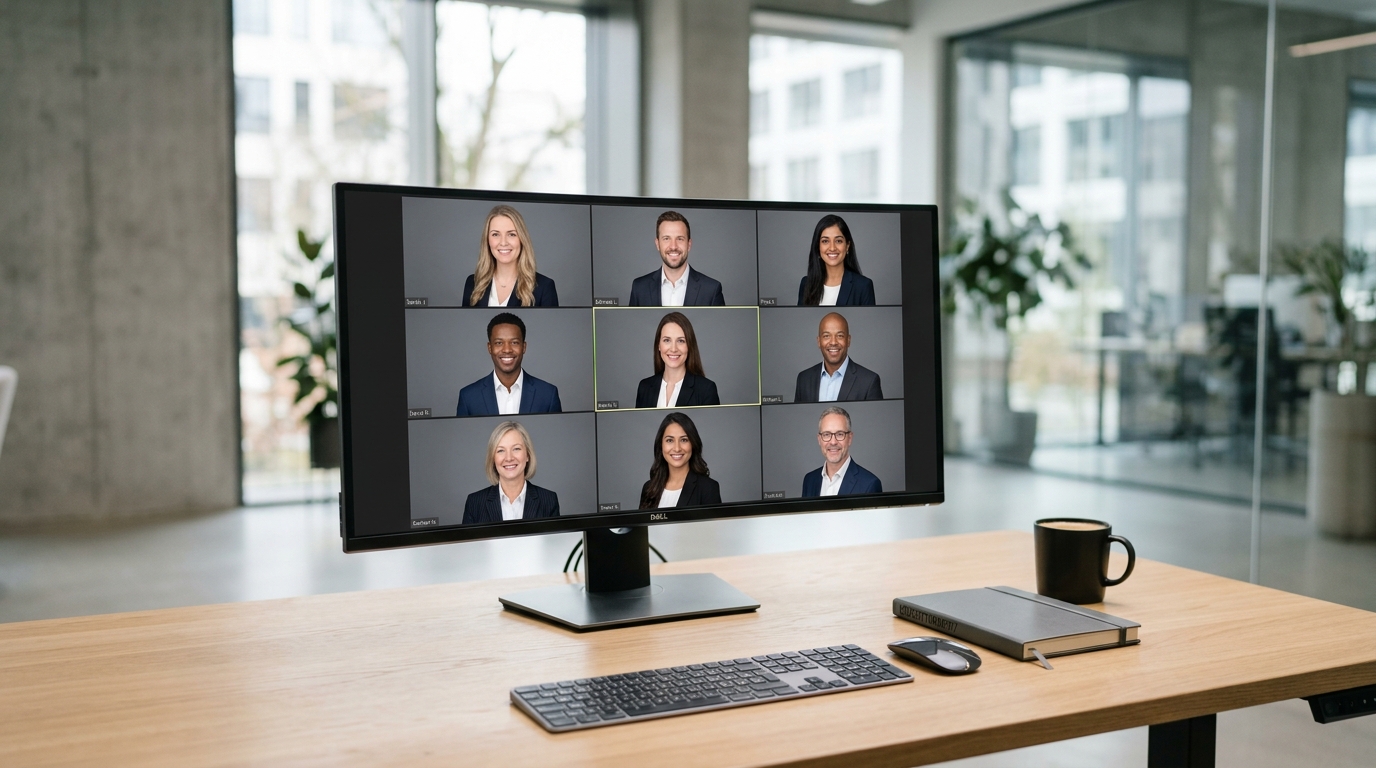
Team Headshots for Remote Companies: A Practical Workflow
Plan consistent remote team portraits with asynchronous capture, clear review criteria, and privacy checks instead of unsupported speed or savings promises.

7 Signs an AI Headshot Looks Fake—and How to Avoid Them
Learn how to review an AI headshot for waxy skin, odd eyes, halos, and clothing glitches, then improve a real photo without changing your likeness.
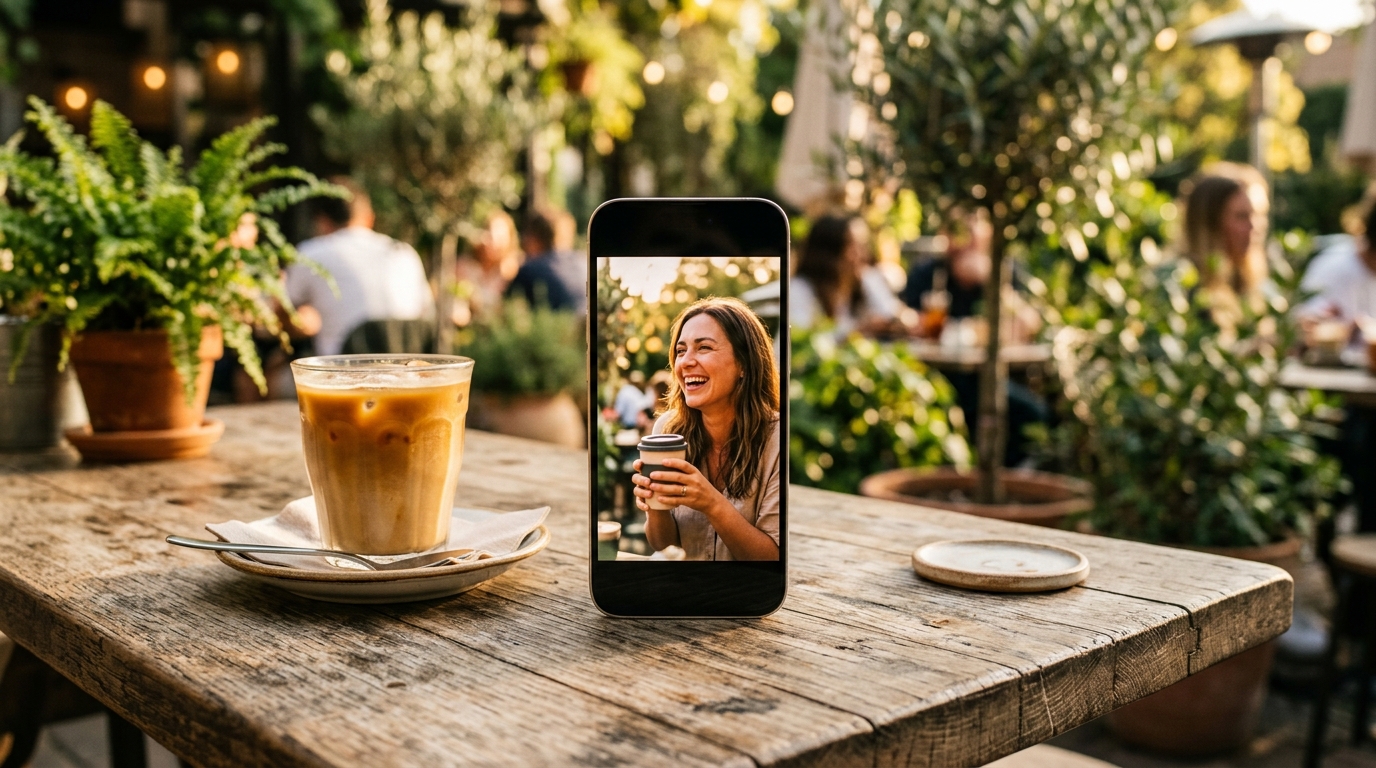
AI Photos on Tinder, Bumble, and Hinge: Current Rules
Check current Tinder, Bumble, and Hinge photo guidance, including Bumble’s clear-face rule, before using a restrained AI edit.
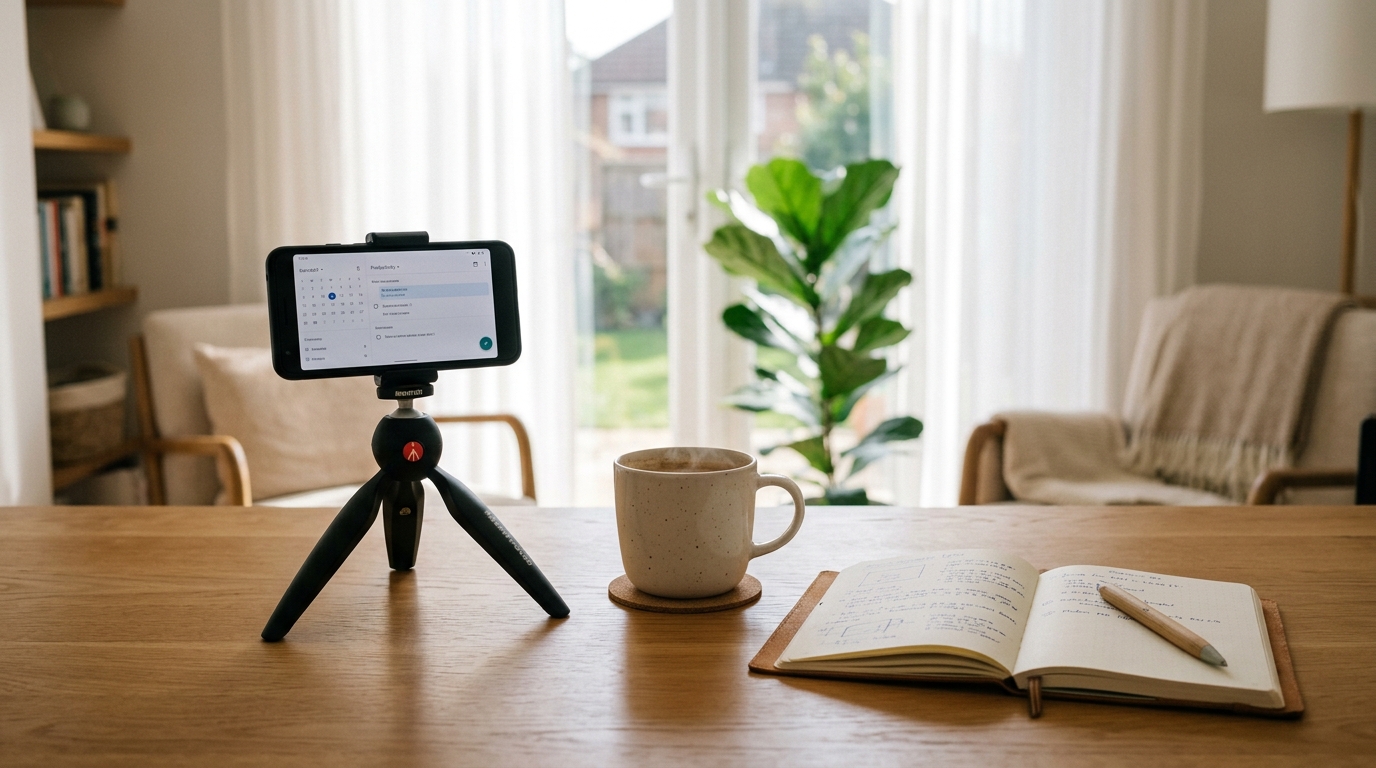
How to Take Better AI Headshots at Home With Your Phone
Capture a clean source photo at home, then use restrained AI editing to improve light or background without changing your facial likeness.
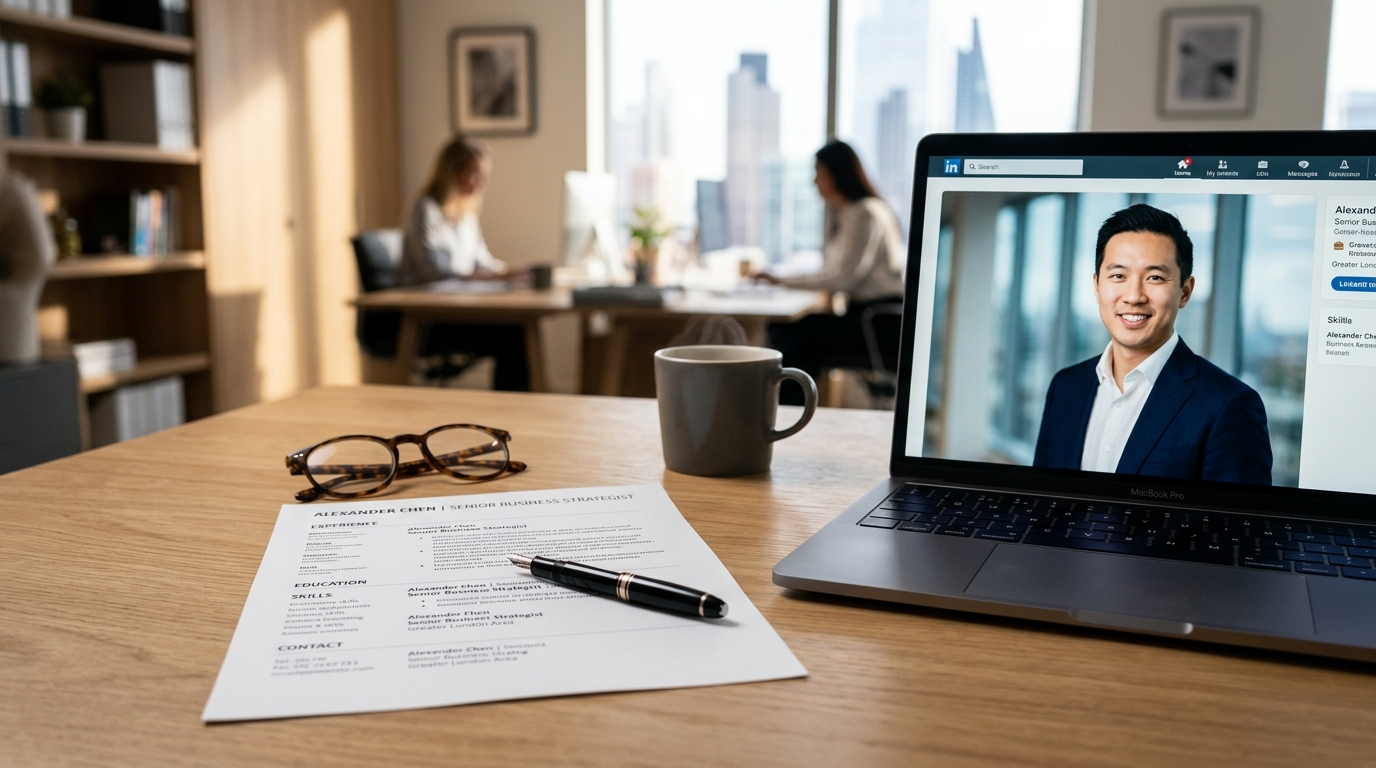
Should You Put a Photo on Your Resume?
Use the job posting and local convention to decide whether a resume photo fits; see current Canada and UK guidance without treating it as law.
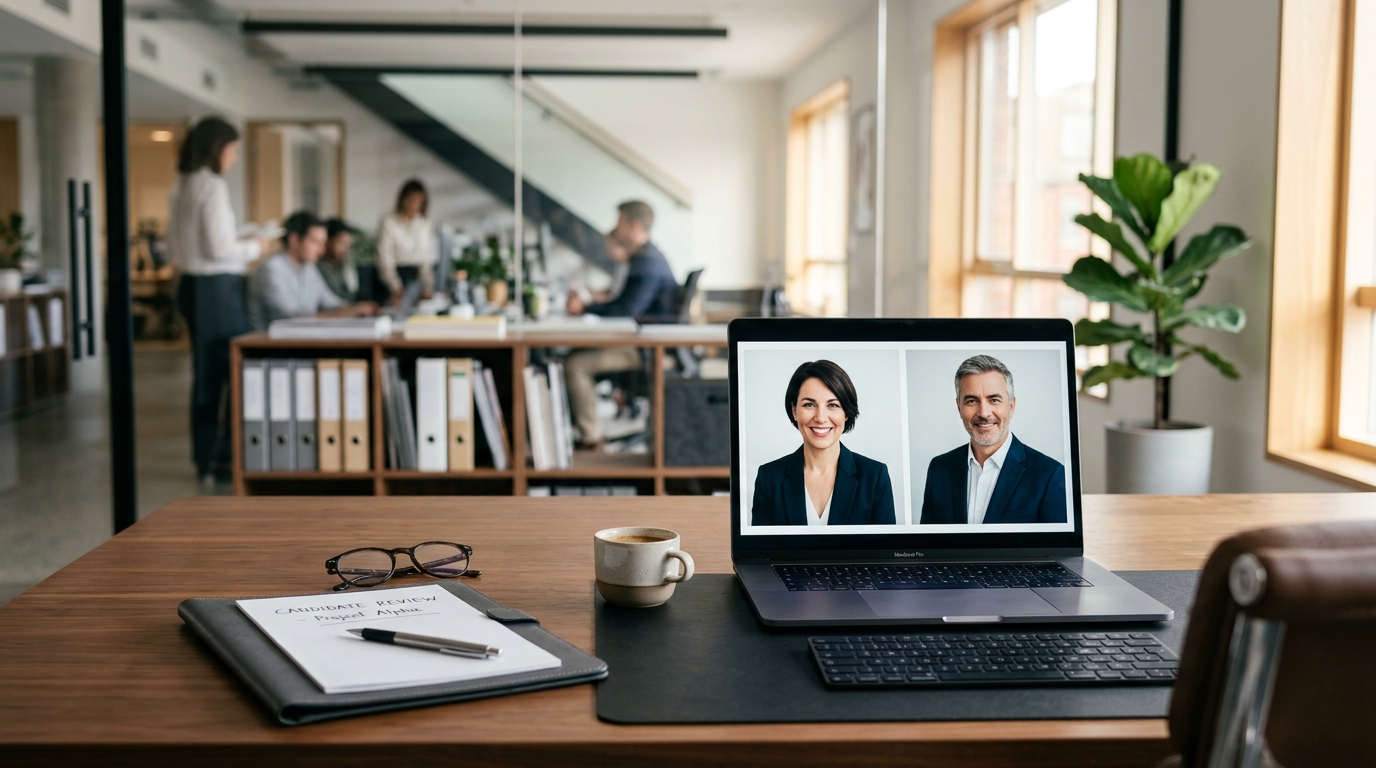
Can Recruiters Tell if Your Headshot Is AI-Generated?
Learn which visible errors damage trust in an edited headshot and how to check likeness, consistency, and privacy before applying.
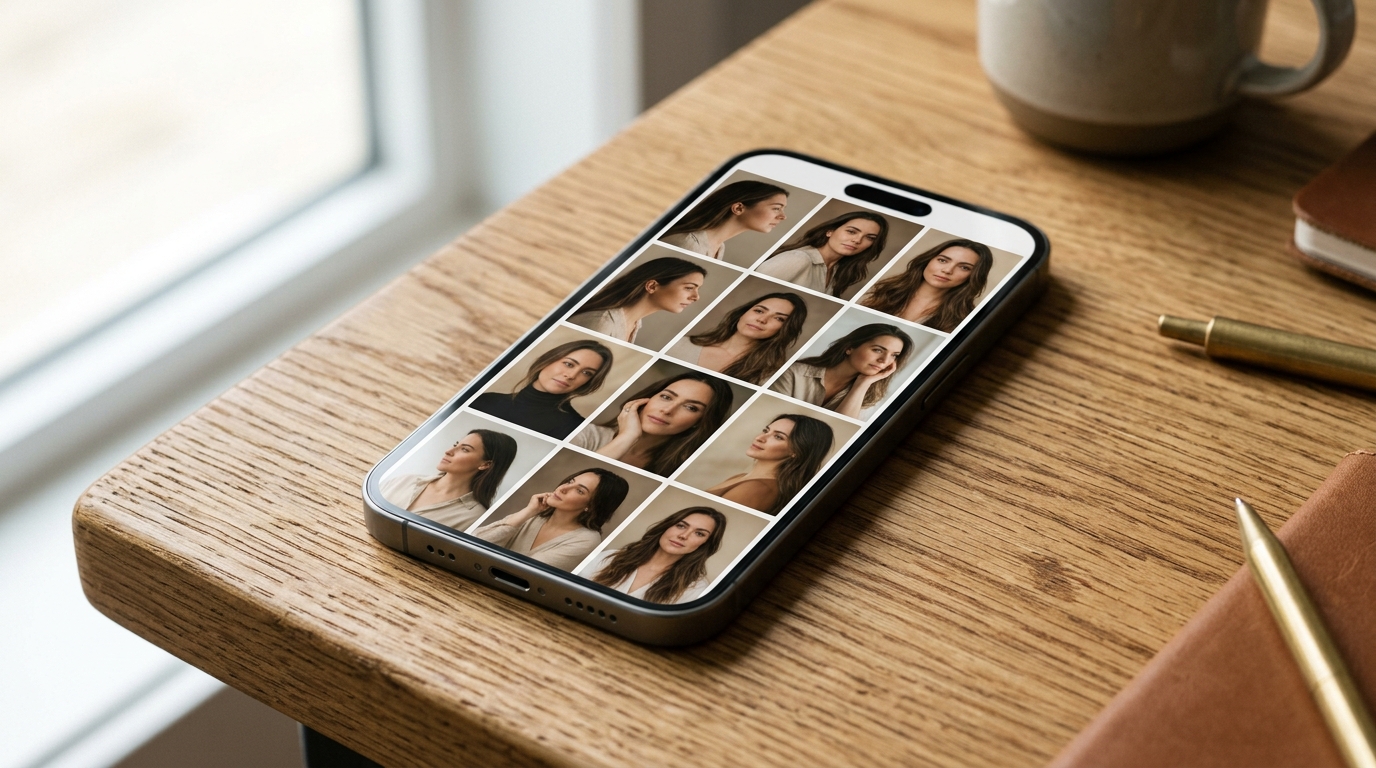
Why Your AI Headshot Does Not Look Like You
Diagnose an AI headshot that feels unlike you by checking one clear source image, the selected tool's instructions, and the final face before sharing it.
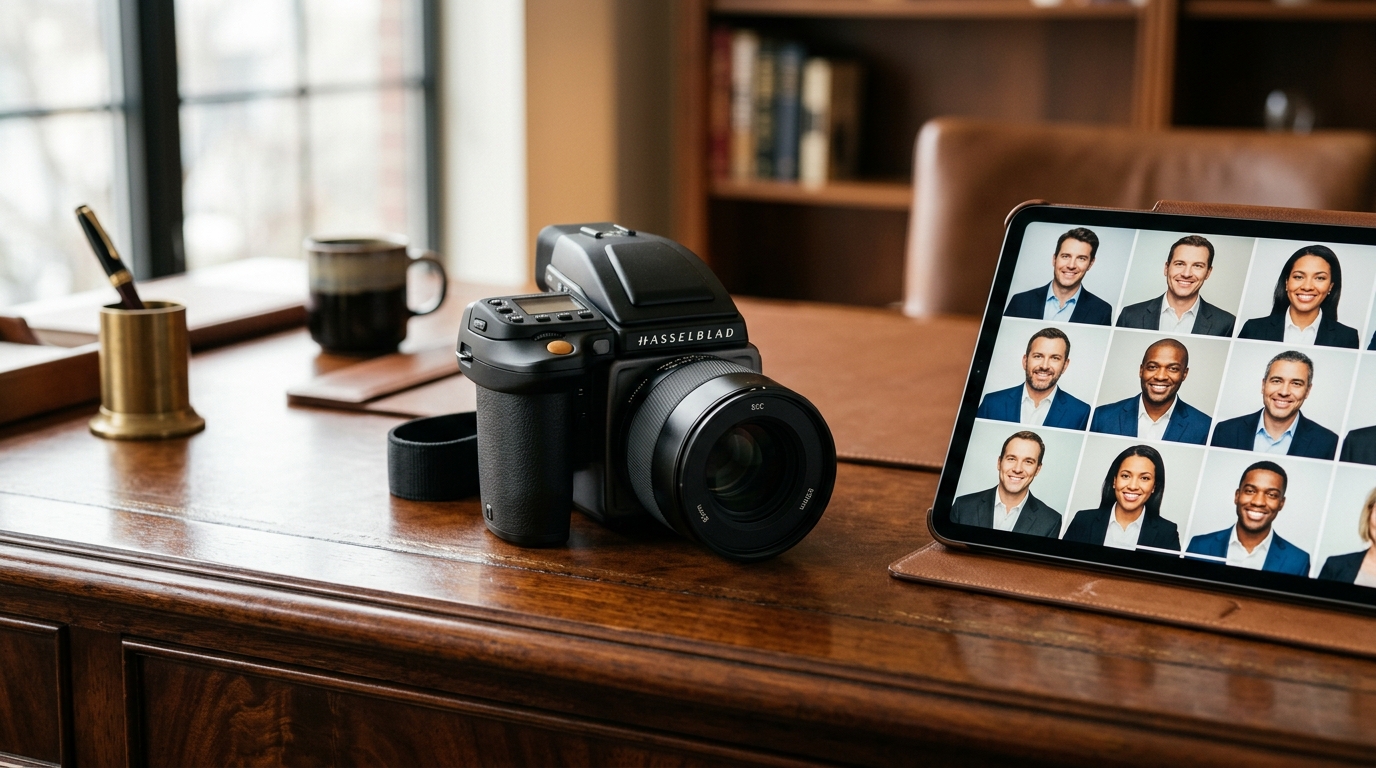
AI Portrait Editing vs a Professional Photographer: Which Fits?
Compare AI portrait editing, generative AI headshots, and a photographer by source material, control, rights, privacy, and review needs.
Does LinkedIn Allow AI Headshots?
LinkedIn’s current profile-photo guidance focuses on likeness. Learn how to edit a real photo without creating a misleading identity.
How to Prepare Midjourney Art for a 4K Print
Prepare Midjourney art for print by checking aspect ratio, calculating pixels from size and PPI, enlarging carefully, and proofing the final file.
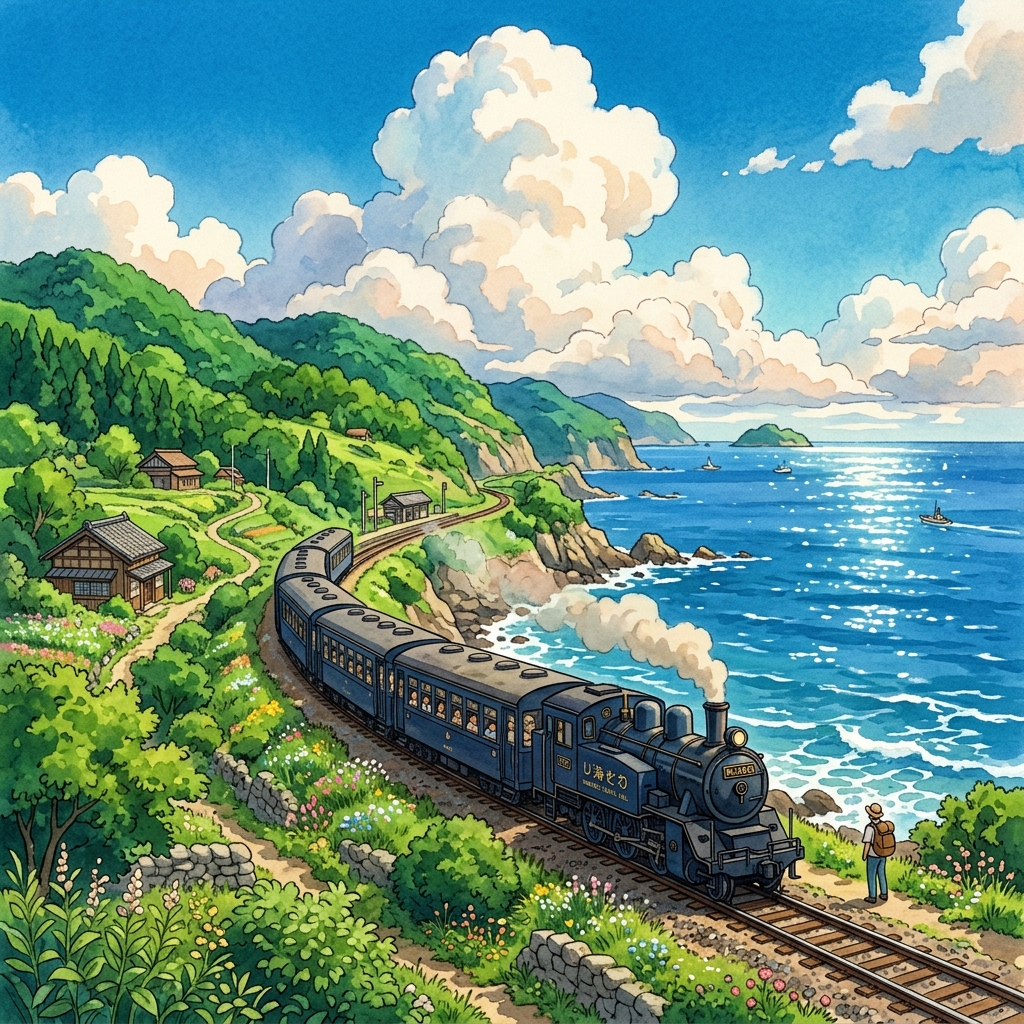
How to Turn Travel Photos into Ghibli-Inspired Anime Art
Turn a travel photo into Ghibli-inspired anime art by preserving the place, describing the light and mood, and reviewing the generated details.
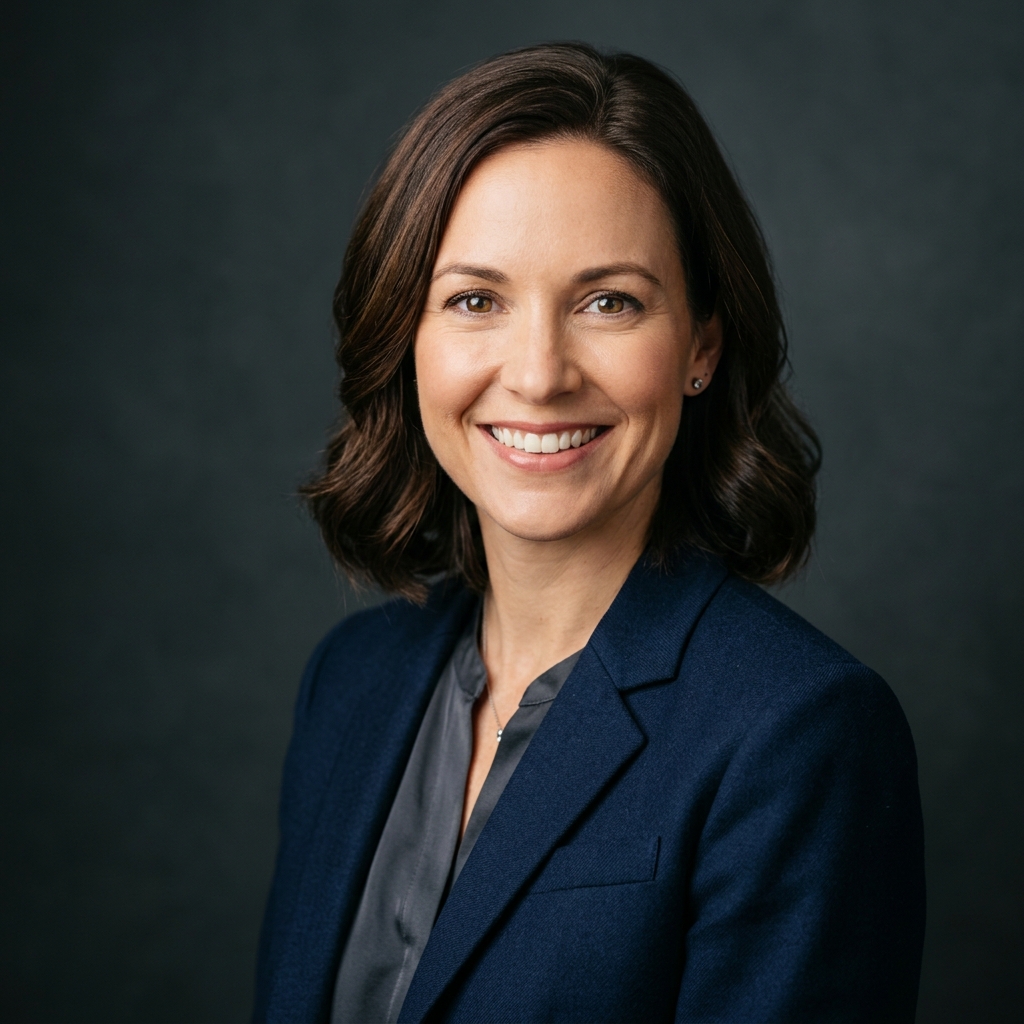
How to Make a LinkedIn Headshot from One Selfie
Take one suitable selfie at home, prepare it for a professional crop, and review any AI edit for likeness, edges, and privacy before using it on LinkedIn.
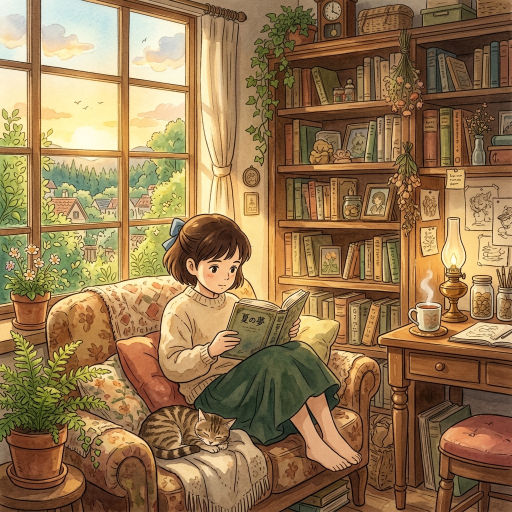
Choosing an AI Tool for Ghibli-Inspired Images
Choose an AI image workflow for Ghibli-inspired art: edit photos in ChatGPT Images, use anime-focused Midjourney Niji, try Firefly in a browser, or run ComfyUI locally.
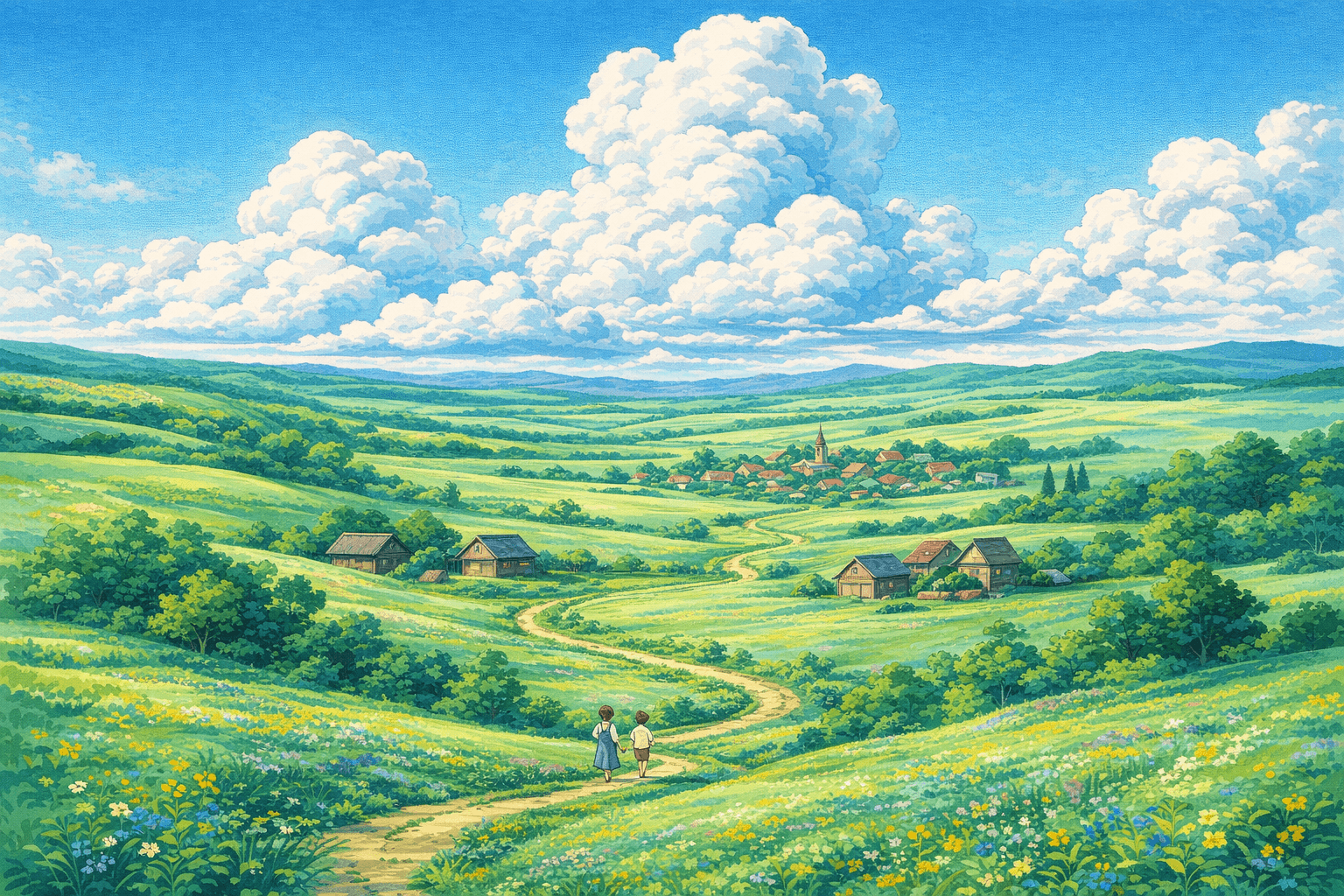
Why Do Ghibli Backgrounds Feel So Good?
Ghibli backgrounds feel immersive because they combine observed places, layered light, material texture, and storytelling detail. Learn how to read those choices.
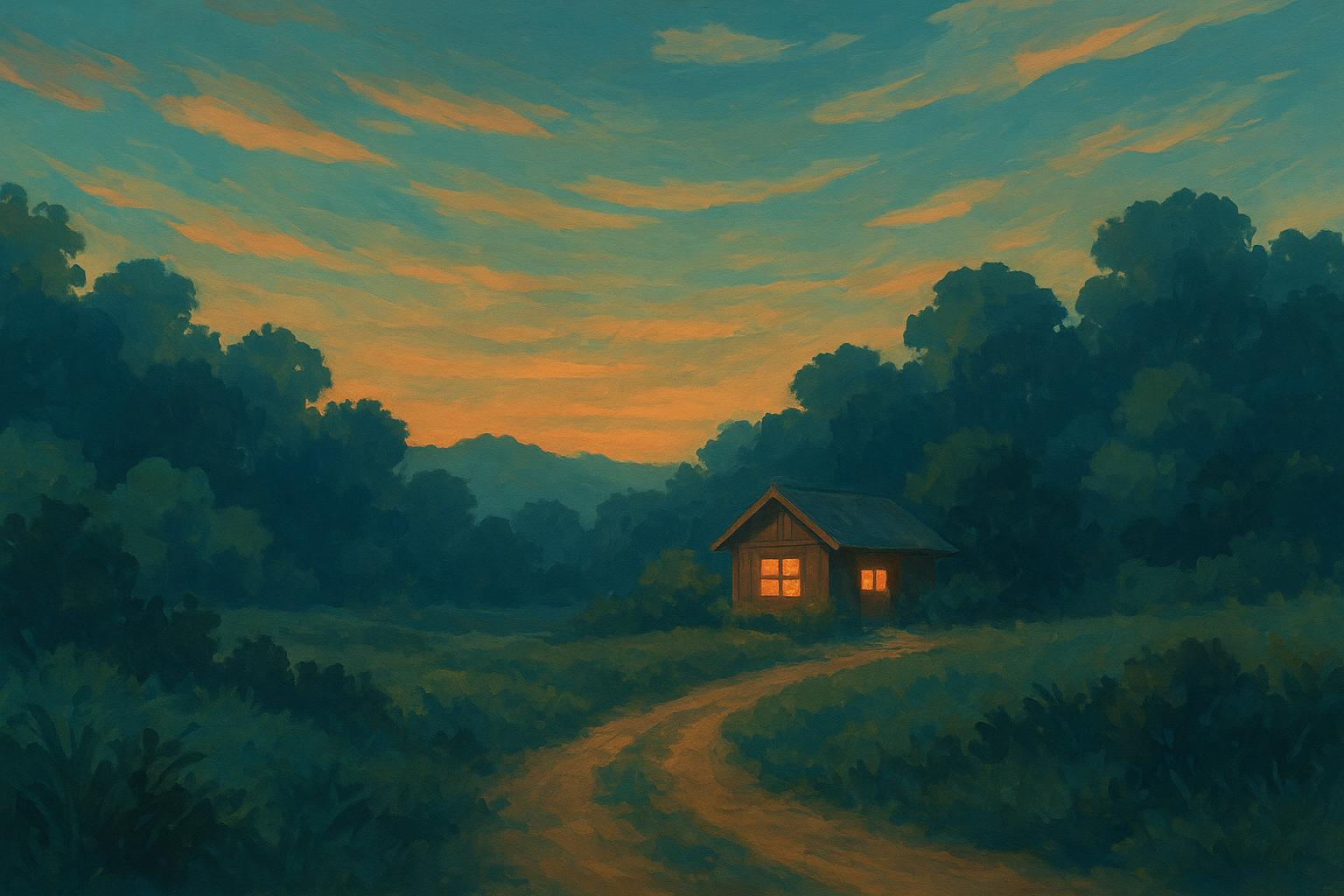
What Is Ghibli Art? Style, Meaning and Key Features
What is Ghibli art? Learn what Ghibli art style means, from painted environments and natural light to expressive characters, with an illustrated color study.
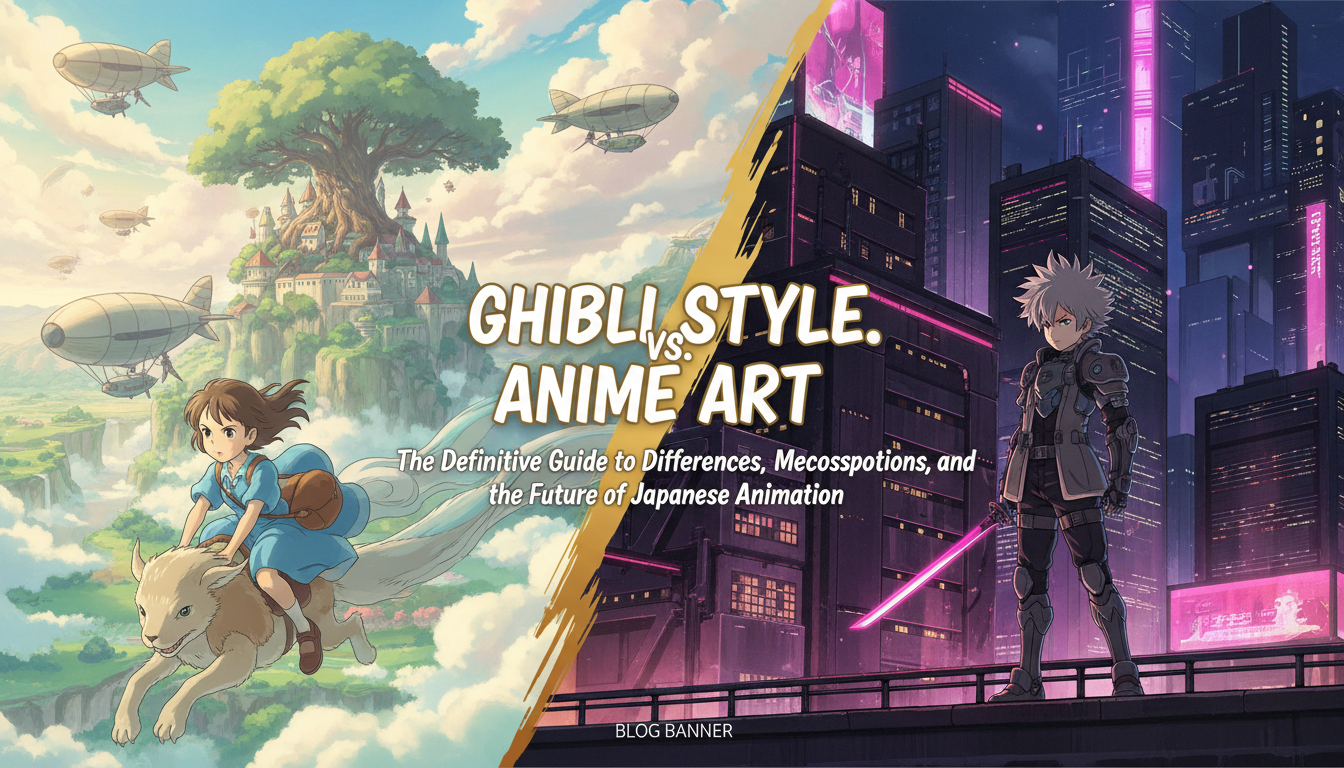
Is Ghibli Anime? Ghibli vs Anime Art Explained
Yes, Studio Ghibli films are anime. Understand the studio-versus-category distinction and compare Ghibli’s backgrounds, characters, and pacing with other anime.
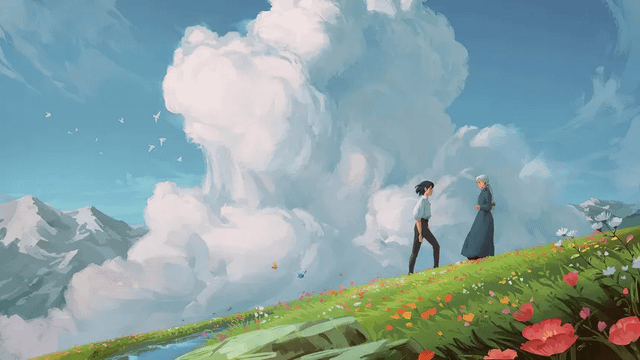
What Is Ghibli Art AI and How Does It Work?
Ghibli art AI uses an image or prompt to generate related visual traits. Learn the basic workflow, limits, and how to review an output.
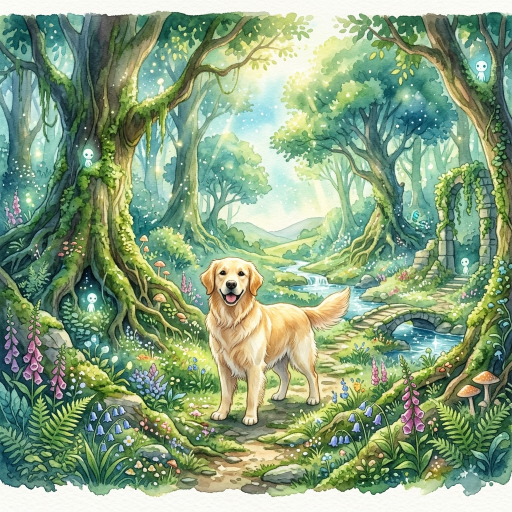
How to Turn a Pet Photo into Ghibli-Inspired Animal Art
Turn a pet photo into a Ghibli-inspired animal illustration with a clear reference image, a specific scene brief, and a careful review of the result.
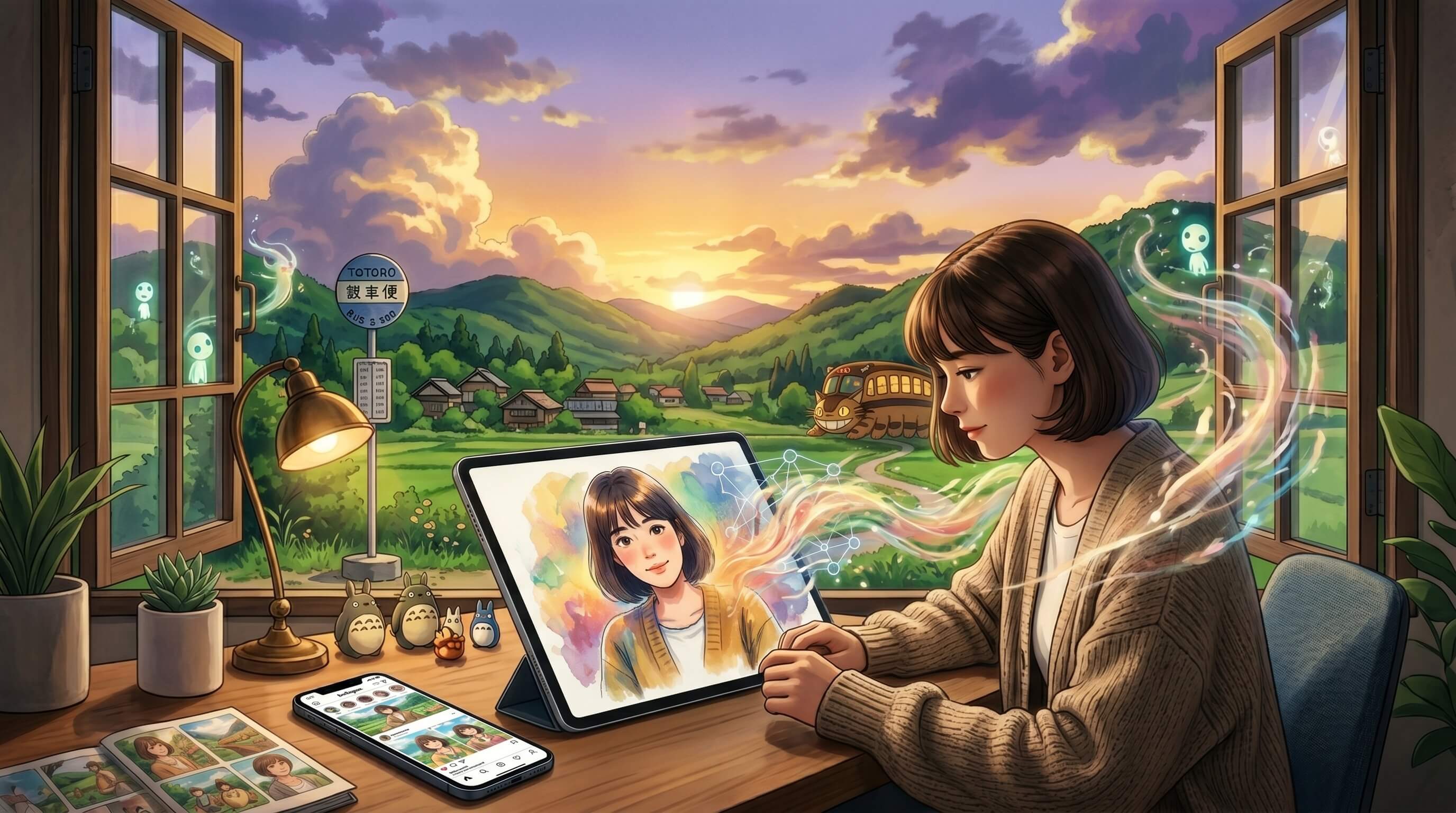
Why Did the Studio Ghibli AI Trend Become Popular?
The Ghibli AI trend brings a recognizable visual language together with personal photos and accessible image editing. Here is what that explains.
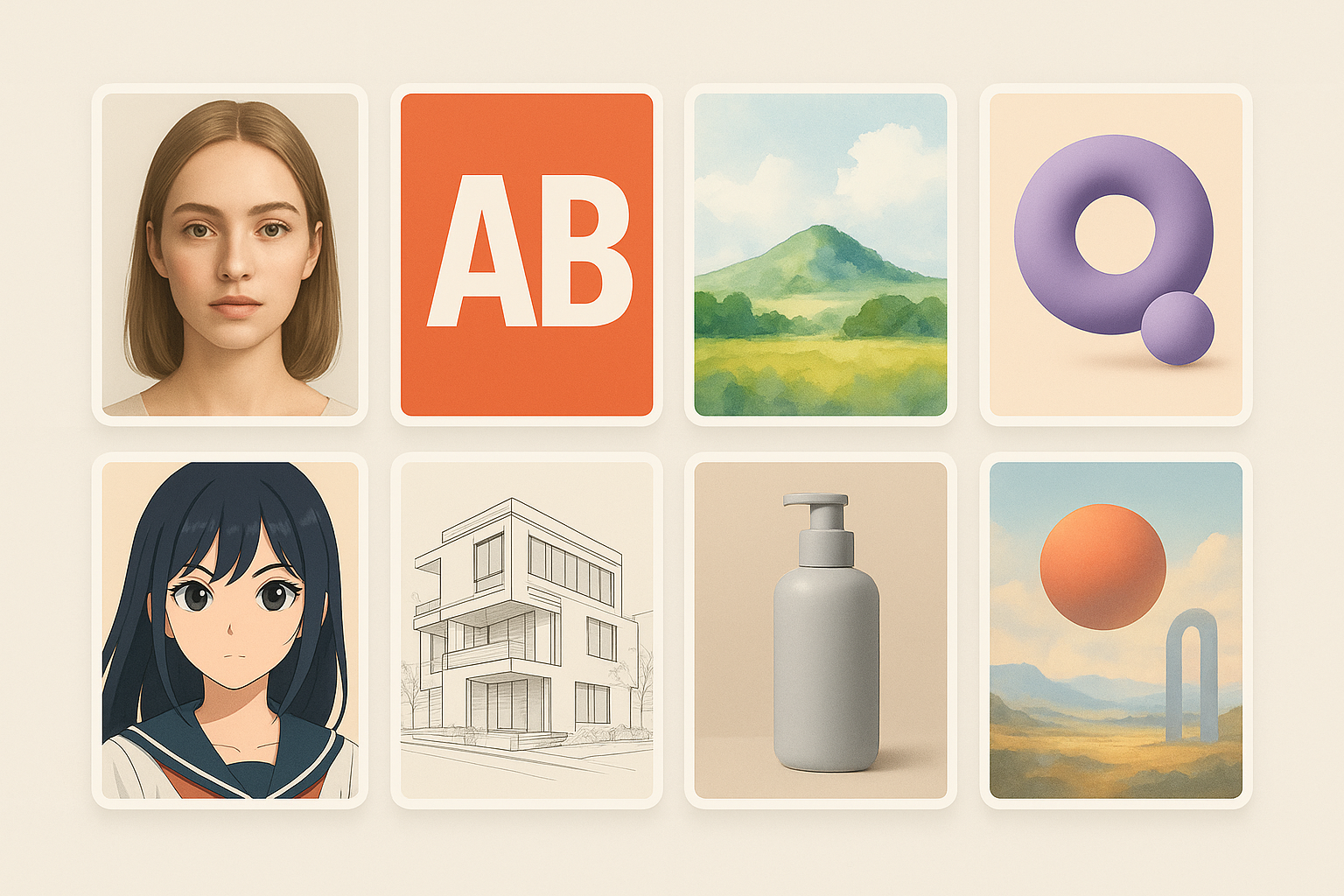
8 Midjourney Alternatives: Tools You Can Try for Different Jobs
Compare ChatGPT, Firefly, Ideogram, Leonardo, Google Flow, Stable Diffusion, Canva, and NightCafe by workflow, control, text, and licensing.
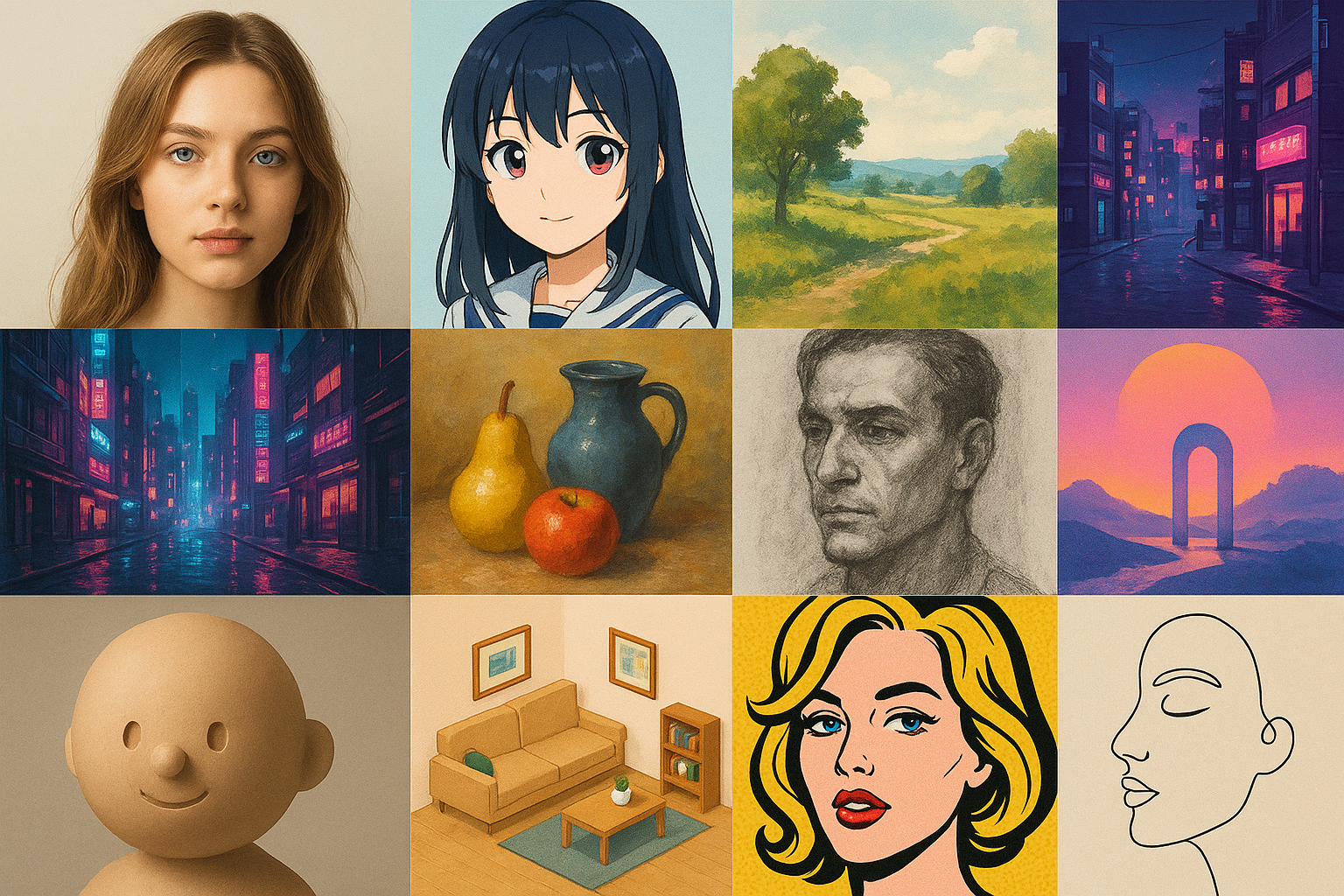
Different AI Art Styles You Should Know About
Compare photographic, painterly, illustrative, graphic, 3D, and surreal AI art styles by their visual traits and best use cases.
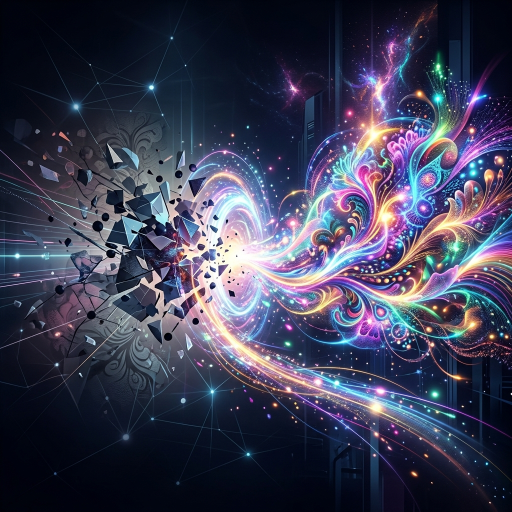
How to Turn a Photo Into AI Art
Turn a photo into an AI artwork with a clean source, an image-to-image workflow, controlled style changes, and a careful rights review.
How to Write AI Image Prompts
Build clearer AI image prompts with subject, composition, light, medium, colour, and constraints, then iterate one change at a time.