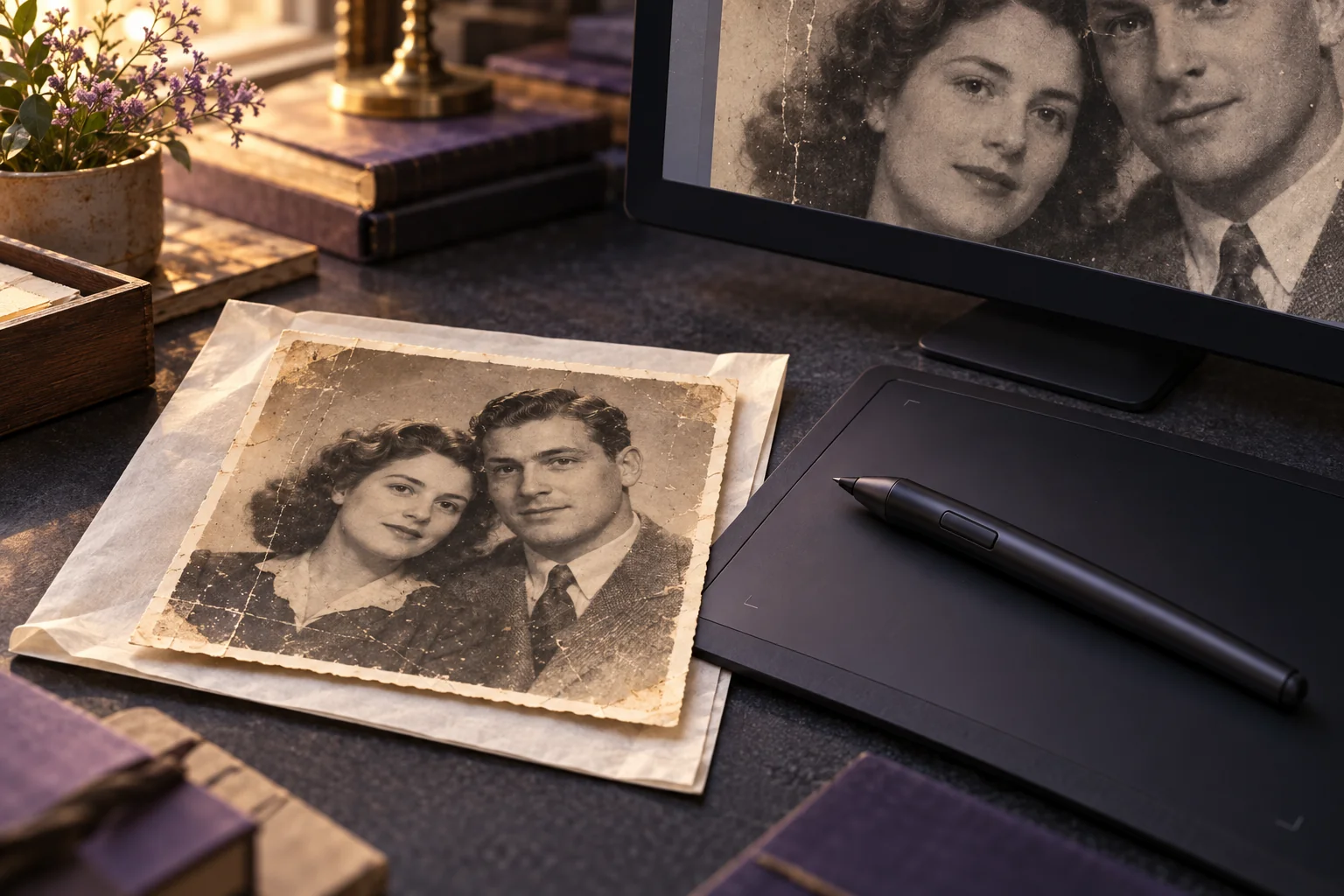
Choose AI photo restoration for a limited trial when the damage is easy to identify and you can judge the result yourself. Choose a retoucher when individual repairs need approval, faces or lettering must stay faithful, or you need someone to revise specific areas. If the physical photograph is deteriorating, seek a photograph conservator separately.
The useful question in AI photo restoration vs manual retouching is how much control your photograph needs. A cleaner image is only a successful restoration if it also preserves what matters to you.
This is a documentation-based decision guide; we have not tested Photo Editor AI outputs or run a same-photo service comparison for this article.
What are you choosing between?
Automatic restoration lets a model produce an edited candidate from your image. You still decide whether that candidate is acceptable. Human-directed retouching adds decisions about individual marks, repair sources, and areas to leave untouched.
For example, Photoshop's Clone Stamp copies image content from a chosen source, while its Healing Brush blends sampled pixels with the surrounding image. The editor selects where to work and inspects the repair. These tools provide different kinds of control; knowing their names does not establish a retoucher's skill. Adobe Clone Stamp documentation, Adobe Healing Brush documentation.
A professional may combine automatic processing with local retouching. Ask what they will do with your photograph and how you can request corrections. “Professional” describes the service relationship; it does not tell you whether AI will be involved.
If you are choosing between repairing damage, improving tone, and adding pixels, start with our restoration, enhancement, and upscaling guide. Here, the choice concerns automation, control, and who takes responsibility for review.
AI photo restoration vs manual: a decision table
Use these recommendations to choose a starting route, then judge the actual result. They are editorial decision rules, not measured success rates.
| What you see | A reasonable starting route | What would change the decision? |
|---|---|---|
| A few scratches across plain background | One automatic trial or local manual cleanup | Move to local repair if texture repeats, edges smear, or unrelated areas change. |
| A crease across an eye, mouth, or identifying feature | Human-directed assessment with reference photos | Leave uncertainty visible if the missing feature cannot be supported by a reference. |
| Damage through handwriting, dates, badges, or signs | Local repair with a clear instruction to preserve text | Keep unreadable characters unresolved unless another source establishes them. |
| A group portrait with small or obscured faces | Review every person before choosing either route | Seek individual attention if only some faces improve or expressions change. |
| A faded color print with intact shapes | Discuss conservative color correction first | Request separate versions if you also want speculative recoloring. |
| A fragile, flaking, stuck, or otherwise unstable original | Photograph conservator before physical treatment | Digital editing can follow an appropriate capture; it does not treat the object. |
A wide scratch in empty sky may matter less than a tiny mark over a signature. Judge the importance of the affected detail as well as the amount of damage.
When individual control matters most
Missing facial detail
AI face restoration involves estimating detail, and appearance can trade off against fidelity. CodeFormer's researchers explicitly describe this trade-off in their face restoration method. That is evidence about the research problem, not evidence that Photo Editor AI uses CodeFormer or performs the same way. CodeFormer research project.
For your decision, identify what survives in the source: eye direction, the mouth outline, glasses, a distinctive hairline. If a generated result contradicts those details, reject it even if the skin looks clearer. When an entire eye is missing, a convincing replacement alone cannot establish its original appearance.
Give a retoucher another authenticated photograph of the same person if you have one. Explain differences in age or pose. Ask them to flag inferred work and show a restrained version before reconstructing features. Our face-preservation checking guide covers the detailed review.
Lettering and group photographs
Treat lettering as information. Mark the inscription or badge as an area requiring approval. If a letter is partly obscured, ask the editor to preserve the visible strokes; do not let a guessed word become the accepted family record. You can add an explanatory caption outside the image when the uncertainty matters.
With a group photo, make a numbered checklist of everyone present. Review each face against the input, then check hands, overlapping shoulders, and the spaces between people. A pleasing central face should not decide the whole image. If you cannot recognize the smaller faces well enough to approve changes, request minimal intervention there.
These instructions also apply to hired services. Human review is useful only when the reviewer understands what you need preserved.
Faded color and repair boundaries
Decide whether you want to adjust surviving color or create a new color interpretation. Adobe distinguishes its Colorize filter as a process that predicts color and notes that predictions can be less accurate on faded or poorly exposed images. The presence of color in an output does not establish its historical accuracy. Adobe Neural Filters FAQ.
For a family album, ask for a restrained version first. If you request recoloring, supply known clothing or scene references and save that version separately. See restoring faded color photos for the color-specific decisions.
For tears and creases, mark where damage ends and real detail begins. Tell the editor which seams, wrinkles, and background lines must remain. Our scratch and crease guide covers that inspection in more depth.
What a restoration service should clarify
Send the actual image before accepting a scope. Ask the provider to identify difficult areas and explain what they can revise. A portfolio showing different damage may help you assess style, but it does not demonstrate the result they will achieve on your photo.
Compare the proposed work using the same questions:
- Which areas will receive automatic processing, local editing, or reconstruction?
- Can you approve faces and lettering before the final export?
- How many revision rounds are included, and what counts as additional work?
- Which file versions, pixel dimensions, and editable files will you receive?
- What happens if the first proof changes an identifying feature?
- What are the quoted price and delivery date for this specific scope?
For uploads, also ask who can access the files, whether third-party processing is involved, and whether the provider requests permission to publish before-and-after examples. Read the relevant terms and privacy information. Do not assume a service is offline or private simply because a person handles the order.
A brief you can send to a retoucher
Purpose: Prepare this family photograph for [album / sharing / print size].
Priorities: Remove the marked damage while preserving faces, expressions, people, clothing details, and the original framing.
Leave unchanged: [List protected details, including lettering and meaningful marks].
References: [List supplied reference images and what each confirms]. Please flag any reconstruction that requires an assumption.
Color: [Keep the existing monochrome / make restrained color corrections]. Quote any optional recoloring separately.
Review: Send a whole-image proof and close views of the marked areas. Please obtain approval before replacing missing facial or textual detail.
Delivery: Confirm the final dimensions, file formats, revision allowance, and whether an editable version with repairs and color changes separated is included.
Add your deadline and file-sharing preferences. Obtain the necessary permission to supply the image and any references; do not send someone else's files merely because they are available online.
How to make a limited AI restoration attempt
If the table points toward an automatic trial, give yourself a clear decision rule before starting:
- Keep the original capture. Make a working copy and note the few defects you want improved. Choose a photo you are comfortable submitting under the service's current policies.
- Open Photo Restoration. Check the access and credit information shown before uploading one image. The current workflow provides an aspect-ratio choice; this is not a face-preservation or repair-strength control.
- Save the first completed result separately. Keep the input alongside it. Record the date and actual downloaded dimensions so you know which file you reviewed.
- Compare the whole image and important details. Check framing first, then inspect faces, lettering, repair edges, and texture. View important areas at the same displayed scale; also inspect the downloaded file at 100%.
- Accept, stop, or hand off. Accept only if the requested improvement survives those checks. If an identity detail changes or a repair needs local correction, return to the preserved source and seek a targeted edit.
One result can tell you whether that result suits your purpose. It cannot establish a tool's general success rate. Keep rejected outputs only if they help explain the problem to a retoucher, and label them clearly so they cannot be mistaken for the original.
Approve the deliverable, then protect the original
Before accepting either route, check the downloaded file itself. Confirm that it opens, has the agreed framing and dimensions, and contains the changes you approved. Keep the source, approved edit, and optional creative versions distinguishable by filename. If you requested editable work, confirm that the delivered file contains it.
For printing, agree on the intended print size and request a proof before ordering a large final copy. Our old-photo printing guide covers the separate output decisions.
Physical care remains a different task. The Library of Congress advises avoiding adhesives on photographs and notes that condition problems may require a photograph conservator. If your original is unstable, ask for advice before attempting to clean, flatten, or detach it. A digitally repaired file does not preserve a deteriorating print by itself. Library of Congress photograph care guidance.
Frequently asked questions
Is professional photo restoration always better than AI?
Judge the proposed workflow and proof. A service is valuable when it offers the judgment, targeted revisions, and delivery you need. Ask whether AI is involved and who checks important details before you approve the work.
Can I combine AI restoration with manual retouching?
Yes, you can ask a retoucher to assess an automatic result and make selected corrections. Supply the original too. Agree which version should be the starting point and which changes should be retained; an unsuitable AI result does not need to become the foundation.
Should every scratch be removed?
Decide what the final image is for. For a cleaner display copy, you may want obvious damage removed. For a family record, you may prefer to retain meaningful marks and keep a separate edited copy. Put that choice in the brief.