AI Image Upscaler
Enlarge a photo in your browser. Upload a JPG, PNG or WebP, then compare the result with your original. See the actual pixel dimensions alongside your images before downloading.
Enlarge Photos Online, Without Installing Software
Upload one photo, start the upscale, and compare the result.
Start with One Photo
Upload one JPG, PNG, or WebP image. Use the largest original you have; a tiny screenshot or heavily compressed copy gives the model less information.
Check Actual Pixel Dimensions
Compare the displayed width and height of the original and result. The tool has no target-resolution or enlargement-factor selector. Choose the pixels you need for your screen or print, then check whether the result fits.
Review Faces, Text, and Edges
Inspect the result at 100% zoom. Added pixels can contain invented texture, altered lettering, or edge halos, so compare these areas with the original.
Work in Your Browser
Work directly in your browser with available guest access or account credits. Review the displayed usage before starting the upscale.
More Room for
Your Photos
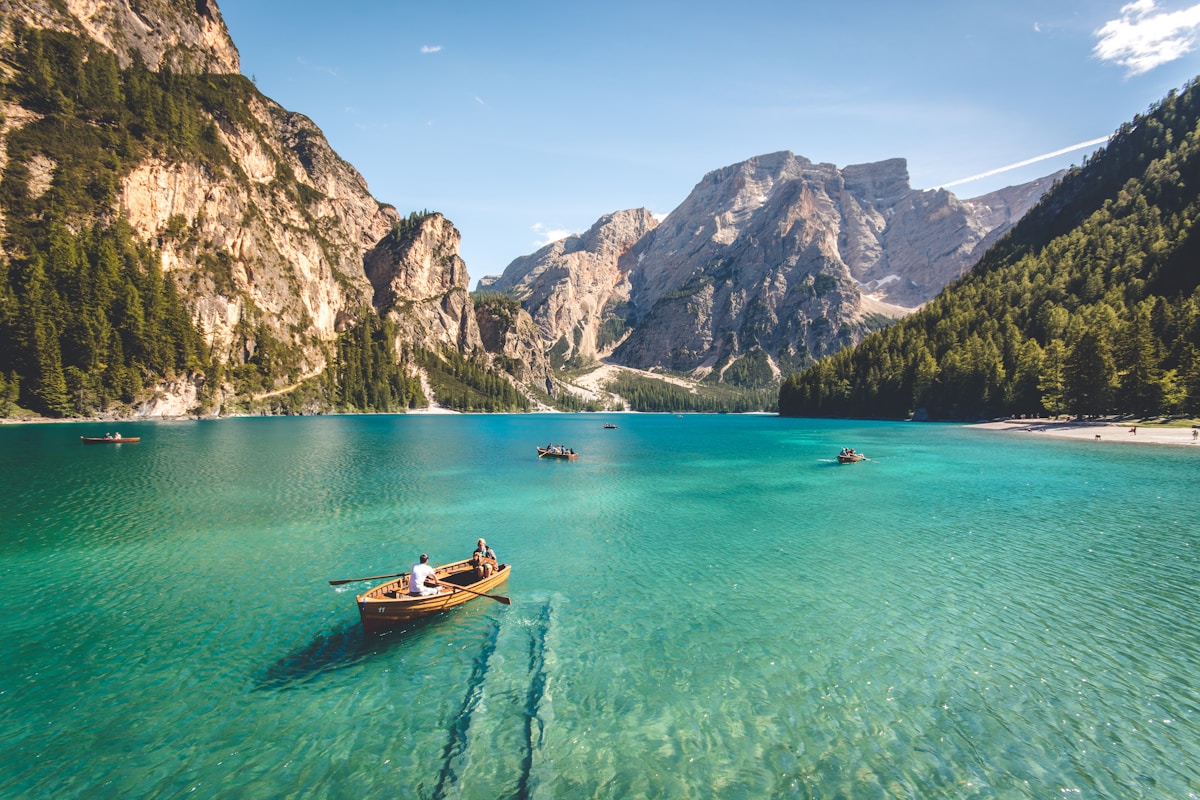
These images illustrate possible uses, not verified resolution benchmarks. Check your downloaded file against the dimensions and detail your screen, layout, or printer needs.
Prepare an Image for a 4K Screen
A common 4K UHD target is 3,840 × 2,160 pixels at 16:9. Check whether your result meets those dimensions; this tool does not guarantee a fixed 4K output. A different aspect ratio may need a separate crop.
Prepare a Print Proof
Calculate the pixels required for your chosen print size and the printer’s requested PPI. Check detail and make a small proof before committing to a large print.
How to Upscale One Image
Upload, review, and verify the downloaded file.
Upload One Image
Choose one JPG, PNG or WebP that you are permitted to use. Selecting a file does not use credits.
Run the Upscaler
Review the preview and displayed usage, then start the upscale. The tool processes one image at a time, without a target-resolution or enlargement-factor selector.
Download and Verify
Compare the original and result, including the displayed pixel dimensions. Download the completed file and inspect fine detail at full size.
Before deciding whether the downloaded file fits your project, choose image dimensions for screen or print. This guide explains size requirements; it does not promise a fixed 4K or 8K output from this tool.
Checks for a Useful Enlargement
Judge the file you receive against the job it needs to do.
Resolution and Aspect Ratio
Check the exported width and height. A larger file is not a guarantee of exact 4K, 8K, or 16K dimensions, and it may not match your intended crop.
Texture and Likeness
Compare facial features, fabric, hair, and repeated patterns. A sharper-looking reconstruction is not proof that missing original detail has been recovered.
Artifacts and Compression
Look for halos, blocks, invented lettering, and unnatural texture at 100% zoom. If they interfere with your use, keep the source or try another editing approach.
One Image per Task
The current upload workflow accepts one selected image. To work on another file, start another task; there is no batch queue or bulk-download control.
Choose the plan that fits how you create
Choose credits for restoration, portraits, retouching, illustration, and upscaling. Free access has usage limits.
Start with a one-time purchase
One-time universal credit packs
Use the same credits across every feature. Choose a pack once and spend credits whenever you need them.
One payment · No auto-renewal · Credits never expire
Starter
700 credits$9For example: about 70 Nano Banana 2 edits OR 35 GPT Image 2 edits.
Examples only. Credits work across all tools; usage varies by feature and model.
Creato
2,000 credits$21.99For example: about 200 Nano Banana 2 edits OR 100 GPT Image 2 edits.
Examples only. Credits work across all tools; usage varies by feature and model.
Pro
5,000 credits$48.99For example: about 500 Nano Banana 2 edits OR 250 GPT Image 2 edits.
Examples only. Credits work across all tools; usage varies by feature and model.
For regular use
Monthly credits. Renews automatically until canceled.
For trying things out and light edits.
- No watermarks
- Review usage rights for your project
- Failed generations are not charged
800 credits
For example: about 80 Nano Banana 2 edits OR 40 GPT Image 2 edits.
Examples only. Credits work across all tools; usage varies by feature and model.
- All AI photo editing tools
- HD downloads
Cancel anytime
For creators who edit every week.
- No watermarks
- Review usage rights for your project
- Failed generations are not charged
2,000 credits
For example: about 200 Nano Banana 2 edits OR 100 GPT Image 2 edits.
Examples only. Credits work across all tools; usage varies by feature and model.
- Everything in Starter
- Top-up packs 10% off
- Priority email support
Cancel anytime
For heavy AI usage and client work.
- No watermarks
- Review usage rights for your project
- Failed generations are not charged
4,000 credits
For example: about 400 Nano Banana 2 edits OR 200 GPT Image 2 edits.
Examples only. Credits work across all tools; usage varies by feature and model.
- Everything in Pro
- Top-up packs 20% off
- Early access to new AI tools
Cancel anytime
Sign up to claim free credits
Claim 30 welcome credits; daily claims up to 10, within the free balance cap
Frequently asked questions
Payment via Creem · Contact support about purchase and refund questions
Frequently Asked Questions
Everything you need to know.
Blog & Tutorials
Discover tips, tricks, and deep-dives into AI image generation. Master your workflow with our latest guides.