The short answer
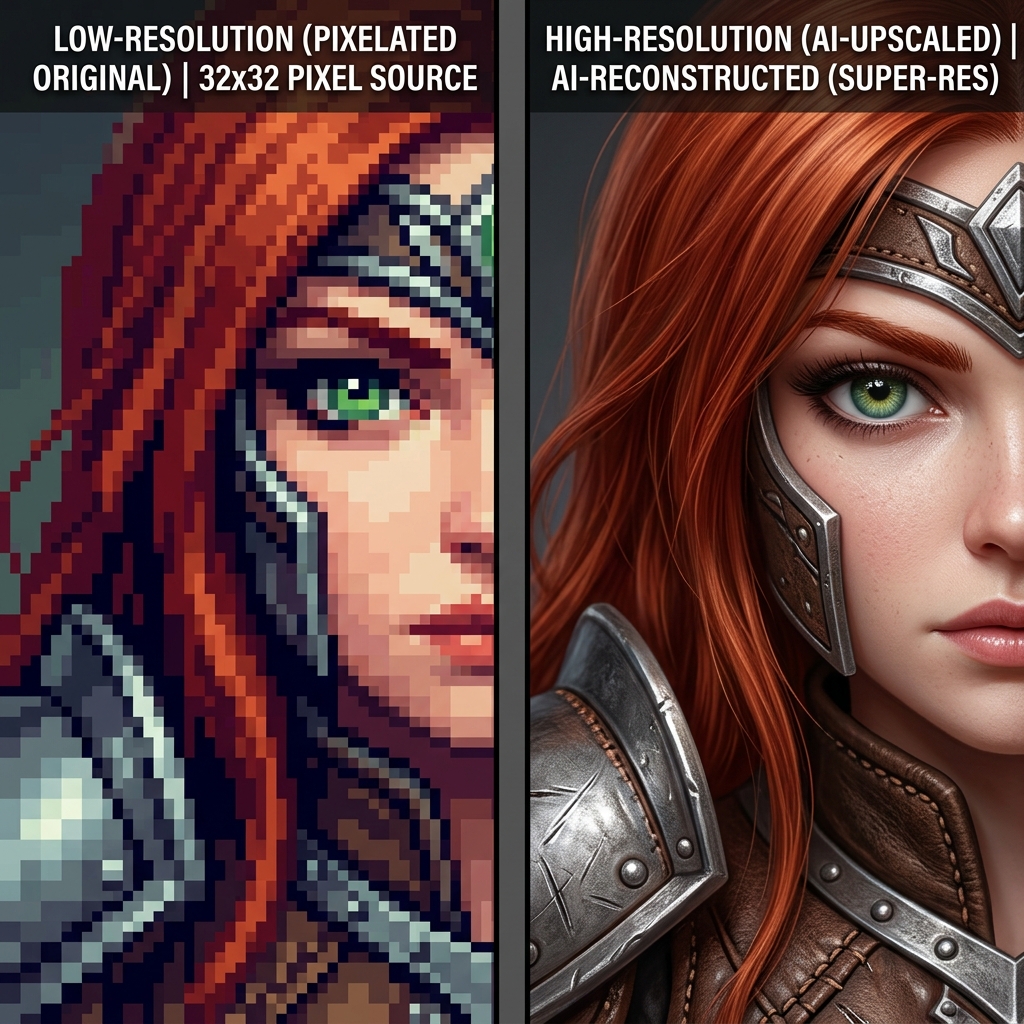
Choose the smallest file that meets the final display or print size. 4K usually means 3,840 × 2,160 pixels for a 16:9 image (about 8.29 megapixels). 8K usually means 7,680 × 4,320 pixels (about 33.18 megapixels). 8K has four times as many pixels, but it does not automatically contain four times more real detail. An upscaler is synthesizing plausible detail from the source.
What “4K” and “8K” actually describe
The labels describe a common width and height, not a universal file shape. A square file can be 4,096 × 4,096 and still be called “4K” in some tools. Ask for exact pixel dimensions when a client, screen, or printer has a specification. A 3,840 × 2,160 file is 16:9; cropping it to a square changes the usable pixels.
| Common label | Example dimensions | Total pixels |
|---|---|---|
| 1080p | 1,920 × 1,080 | 2.07 MP |
| UHD 4K | 3,840 × 2,160 | 8.29 MP |
| UHD 8K | 7,680 × 4,320 | 33.18 MP |
File size is not fixed by resolution. Format, compression, colour depth, transparency, and image content all matter. A PNG illustration may be much larger than a compressed JPEG photograph at the same dimensions.
Are you sizing an image or a video?
This guide concerns still images. A 4K video frame can have the same pixel dimensions as a 4K still, but a video contains many frames over time and has additional requirements such as frame rate and encoding. Enlarging one still image does not upscale a video. For either use, confirm the exact dimensions and aspect ratio required by the destination.
Choose dimensions by destination
| Destination | Starting point | What to check |
|---|---|---|
| 4K screen or wallpaper | 3,840 × 2,160 pixels for a 16:9 UHD screen | Match the screen and crop; other aspect ratios need different dimensions. |
| 8K screen | 7,680 × 4,320 pixels for a 16:9 UHD screen | Use this when the display or delivery specification calls for it, and inspect the enlarged detail. |
| 12 × 18 inch print at 300 PPI | 3,600 × 5,400 pixels after cropping | Match the print's 2:3 aspect ratio; a 16:9 file will not fill it without cropping or a different layout. |
| Other print sizes | Multiply each dimension in inches by the target PPI | Ask the printer for its preferred dimensions and inspect the image at the intended size. |
Pick 4K when the destination is a screen
Use 4K when the final asset is a 4K video frame, desktop wallpaper, presentation, or a web image that will be resized by the site. It also gives useful room for a moderate crop from a larger source. Export the format and dimensions required by the destination; a huge master file can slow uploads without improving the displayed image.
Pick 8K when the delivery specification needs it
8K can be useful for a large original, a demanding crop, or a print whose pixel requirement exceeds a 4K canvas. It is not a substitute for a sharp source. Check the result at 100% for repeated texture, faces, lettering, and edges before delivery. If those details are wrong, generating a larger file will not fix them.
Resolution and print size are different decisions
Print size depends on pixels per inch (PPI), while a printer may describe its device in dots per inch (DPI). A simple planning calculation is:
print width in inches = pixel width ÷ target PPI
At 300 PPI, 3,840 pixels spans 12.8 inches and 7,680 pixels spans 25.6 inches. These are planning figures, not a promise of print quality. Viewing distance, paper, printer, sharpening, and the source image also matter. For a 12 × 18 inch print at 300 PPI, you need 3,600 × 5,400 pixels, so a 16:9 4K file will need cropping or a different layout.
A practical selection checklist
- Write down the final pixel dimensions or physical size and target PPI.
- Preserve the intended aspect ratio before enlarging.
- Start from the cleanest original available.
- Upscale only as far as the specification requires.
- Inspect faces, text, line art, and repeated patterns at 100%.
- Keep a lossless or lightly compressed master, then export a delivery copy.
For a browser-based enlargement workflow, the site’s Crisp Upscale tool is an available option. The tool does not guarantee a fixed 4K or 8K output. Check the downloaded image’s actual pixel dimensions and inspect its detail before relying on it for a particular delivery.
Conclusion
4K is a sensible screen target when the source and aspect ratio support it. 8K is justified by a concrete crop, display, or print requirement. Decide from the destination backwards, verify exact dimensions, and judge the pixels you can actually inspect rather than the label alone.