Getting a high-quality profile picture does not require booking an expensive studio shoot. You can create a professional LinkedIn portrait from home using your smartphone and free online tools. This guide will walk you through setting up your DIY studio, choosing the right lighting, and using AI tools to get a corporate-ready photo instantly.
Why Professional Headshots Matter for Your Career
Do recruiters judge profiles based on photos
Recruiters evaluate candidate profiles based on photo quality because human brains process visual data faster than text, creating an immediate first impression bias. According to the Purdue University Global LinkedIn Guide, uploading a professional portrait makes your LinkedIn profile 21 times more likely to be clicked by headhunters and increases connection acceptances by 9 times. When hiring managers search for candidates, profiles without high-quality images are often passed over as inactive or untrustworthy. Many job seekers on community channels report that swapping a casual holiday picture for a clean corporate headshot resulted in immediate recruiter messages within 7 days. Because professional studio photo shoots cost between $150 and $400 per hour, learning to capture a quality portrait at home offers massive value. By presenting a clean, sharp face shot, you communicate detail-oriented professionalism before the recruiter even reads your employment history.
What makes a headshot look unprofessional
A LinkedIn headshot looks unprofessional when it features poor resolution, low-quality lighting, or includes distracting objects in the background. In a recent Passport Photo Online LinkedIn Photo Survey, 82% of hiring managers stated they have skipped candidates because their profile pictures used cropped group photos or low-resolution selfies. Common visual errors include visible shadows on face sides, blurry camera noise, or having someone else's shoulder in the circular crop. On online forums, professionals explain that using a photo with a visible kitchen counter or messy office clutter instantly ruins the professional atmosphere. To avoid these issues, you must ensure your face occupies the majority of the frame and that no busy textures compete with your face. A clean, uniform presentation shows recruiters that you take your professional representation seriously, whereas a sloppy photo suggests low attention to detail.
Professional Headshot Options Compared
| Evaluation Criteria | Traditional Studio | DIY Phone + Manual | DIY + Photo Editor AI |
|---|---|---|---|
| Average Cost | $150 – $400 | Free – $20 | Free to try |
| Required Time | 2 – 3 Hours | 1 – 2 Hours | 15 – 30 Seconds |
| Editing Skill | Professional | High (Photoshop) | None (One-Click) |
| Background | Studio Backdrop | Often has "halo" edges | Crisp studio wall |
| Data Privacy | Standard Contract | Varies by tool terms | Deleted in 60m |
Setting Up Your Home DIY Photography Studio
Where is the best place to take a headshot indoors
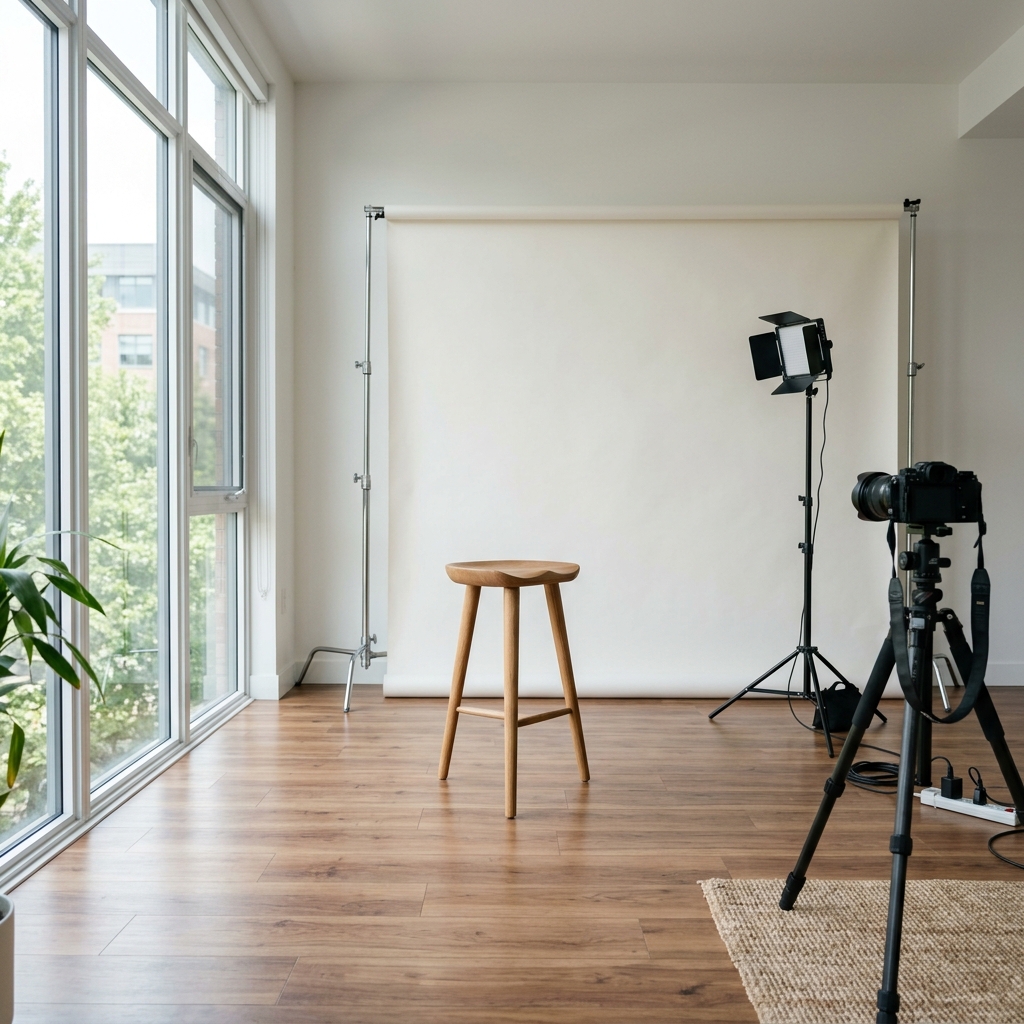
The best place to take a headshot indoors is directly in front of a window that receives soft, indirect natural light. According to the IESNA Lighting Handbook, indoor photography requires lighting levels of 1,000 to 1,500 lux to capture crisp skin textures without overexposing details. Facing the window directly ensures that light falls evenly across your face, which eliminates harsh shadows under your nose and eyes. Pro photographers on YouTube advise standing three to four feet away from the window to allow subtle highlights to contour your jawline. Standing in direct, bright sunlight is counterproductive because it causes squinting and highlights skin blemishes. Using indirect natural light gives your DIY photo a clean, expensive quality that rivals professional studio portraits.
How to set up your phone camera
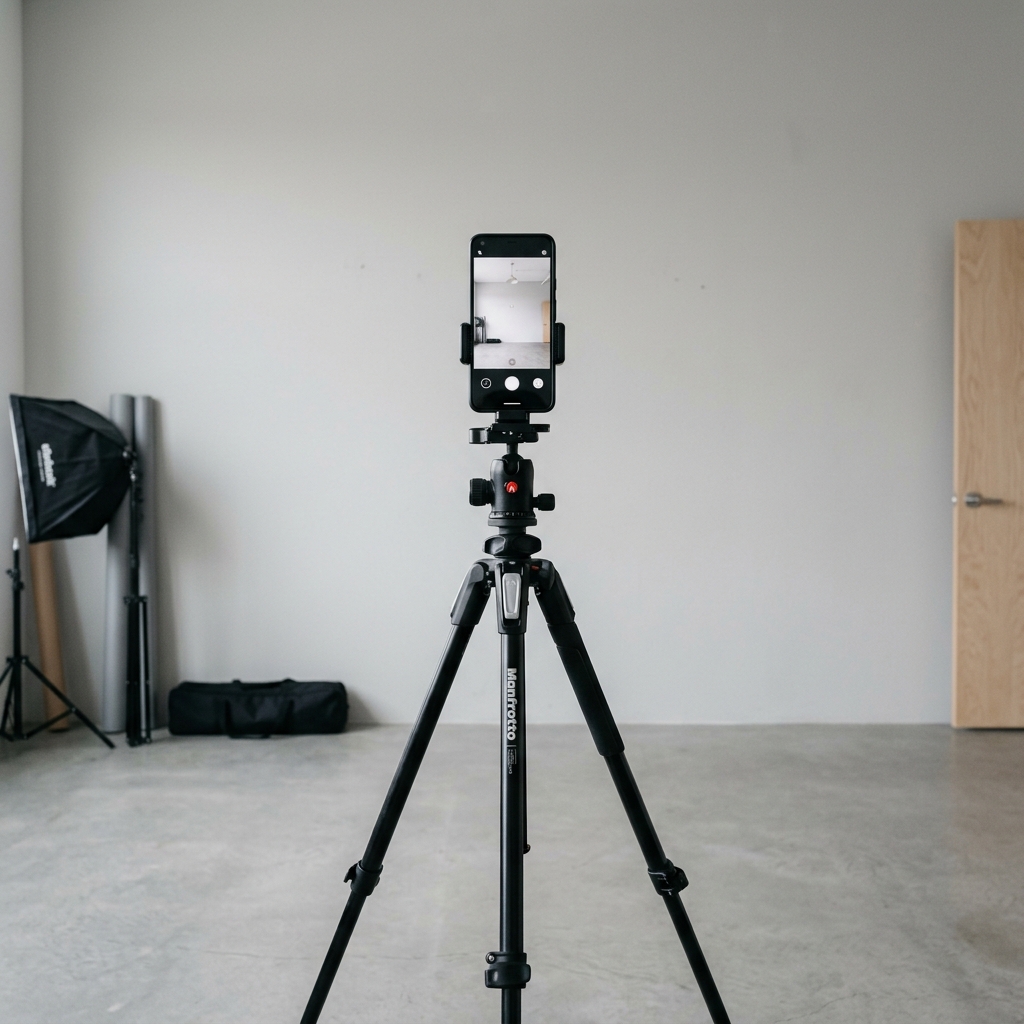
Set up your phone camera by mounting it on a stable tripod at eye level and positioning the lens exactly four to six feet away from you. To avoid the facial warping associated with wide-angle smartphone lenses, use the 2x zoom setting (equivalent to a 50mm or 85mm portrait lens) as recommended in DxOMark Portrait Lens Distortion Guidelines. Placing the camera at eye level positioning ensures a natural, direct gaze that builds immediate viewer trust. If you are shooting alone, utilize a tripod rather than taking a hand-held selfie, which distorts shoulder alignment. Setting a 10-second camera delay gives you sufficient time to adjust your posture, relax your shoulders, and smile naturally. YouTube portrait tutorials suggest taking at least 30 to 40 shots while slightly adjusting your chin angle to guarantee one perfect result.
Pro Tip: Use your phone's volume buttons or a Bluetooth remote to trigger the shutter. This prevents camera shake caused by pressing the screen.
What should you wear for a LinkedIn photo
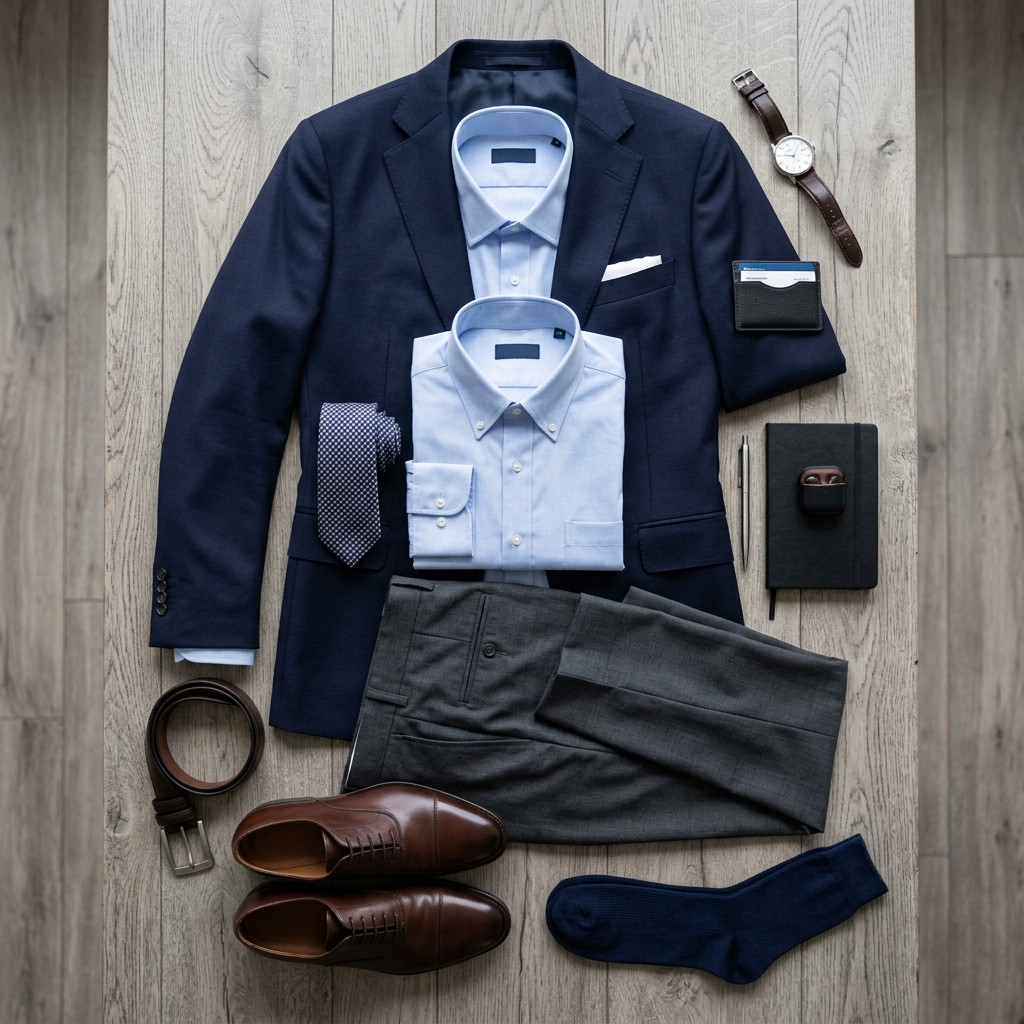
You should wear solid colors in dark or neutral tones (such as navy blue, charcoal gray, or dark green) for a LinkedIn photo. The Association of Image Consultants International Corporate Dress Scale states that 73% of career experts advise solid corporate attire because it creates high contrast in small profile thumbnails. Avoid clothes with busy stripes or checkered patterns because they create distracting moiré patterns on digital screens. Additionally, remote workers on Reddit advise avoiding plain white shirts without a blazer, which easily wash out under bright natural light. Choose professional clothing that fits your specific industry, ensuring your collar is crisp and unwrinkled. Dressing in clean, solid colors helps direct the recruiter's eye to your face rather than your outfit.
Pro Tip: Keep a lint roller nearby to clean your blazer before shooting. Tiny dust specks look magnified under high-resolution lenses.
The 3 Step AI Portrait Transformation
How to replace your home background with a corporate studio background
You can replace your home background with a corporate studio background by uploading your smartphone photo to the Photo Editor AI Portrait Generator. According to the Photo Editor AI home page, the platform uses semantic segmentation to replace cluttered backgrounds with a clean studio backdrop in 15 to 30 seconds. While hiring a professional studio costs between $80 and $150 per hour, this online app is free to try. Manual background removal in traditional editors requires precise pen-tool drawing that takes up to 20 minutes and often leaves pixelated edges. The AI background replacement automatically detects hair details, ensuring a clean, feathered edge without digital halos. This quick automation allows you to turn a simple bedroom photo into a professional studio-grade headshot instantly.
How does the portrait generator refine details
The portrait generator refines details by running your uploaded photo through the custom-trained Nano Banana 2 Pro and GPT Img2 neural engines. Technical documentation from the Photo Editor AI engineering team confirms that these models are tested across 1,000+ quality trials to eliminate digital artifacts and facial warp. Traditional AI headshot models often distort eyes or teeth, creating an unnatural look. The Nano Banana 2 Pro model preserves the user's authentic facial features while smoothing skin textures and balancing shadows. Creative professionals online report that the output looks like a high-resolution, unedited photograph rather than a computer-generated image. This balance ensures your portrait looks polished yet completely authentic to your real-life appearance.
Is uploading portrait photos to online editors safe
Uploading portrait photos to online editors is safe if you use a secure platform that guarantees a strict data deletion policy and zero AI model training. According to the Photo Editor AI privacy and data policies, the platform implements bank-level privacy standards (TLS 1.3 encryption) and deletes all uploaded photos permanently from its servers within 60 minutes. Many image apps retain user photos to train future models, which raises significant data security concerns. Photo Editor AI guarantees that your personal portraits are never stored or used for training purposes. Privacy advocates on Reddit recommend verifying these details before uploading any images online. Using a platform with a clear 60-minute deletion policy ensures your digital identity remains secure.
What to Do Next
How to crop your headshot for the circular crop
Crop your headshot so that your face is centered and occupies between 60% and 70% of the circular frame crop. The LinkedIn Official Profile Picture Help Documentation notes that profiles crop images to a 400x400 pixel circular circle, which requires specific centering. Place the crop line from the middle of your chest up to just above the top of your head. Community career coaches warn that cropping too close looks aggressive, while standing too far away makes your face unrecognizable on mobile screens. Ensuring your eyes are positioned in the upper third of the circle creates a professional gaze. Taking the time to crop correctly makes your profile look clean and optimized for mobile devices.
📐 Interactive Circular Crop Simulator

Try Photo Editor AI for Free
Ready to transform your home photos into a corporate masterpiece in 30 seconds?