Ghibli Style Converter
Turn a photo into an anime-inspired illustration with soft colors and painterly textures. Review the result for changes to faces and details.
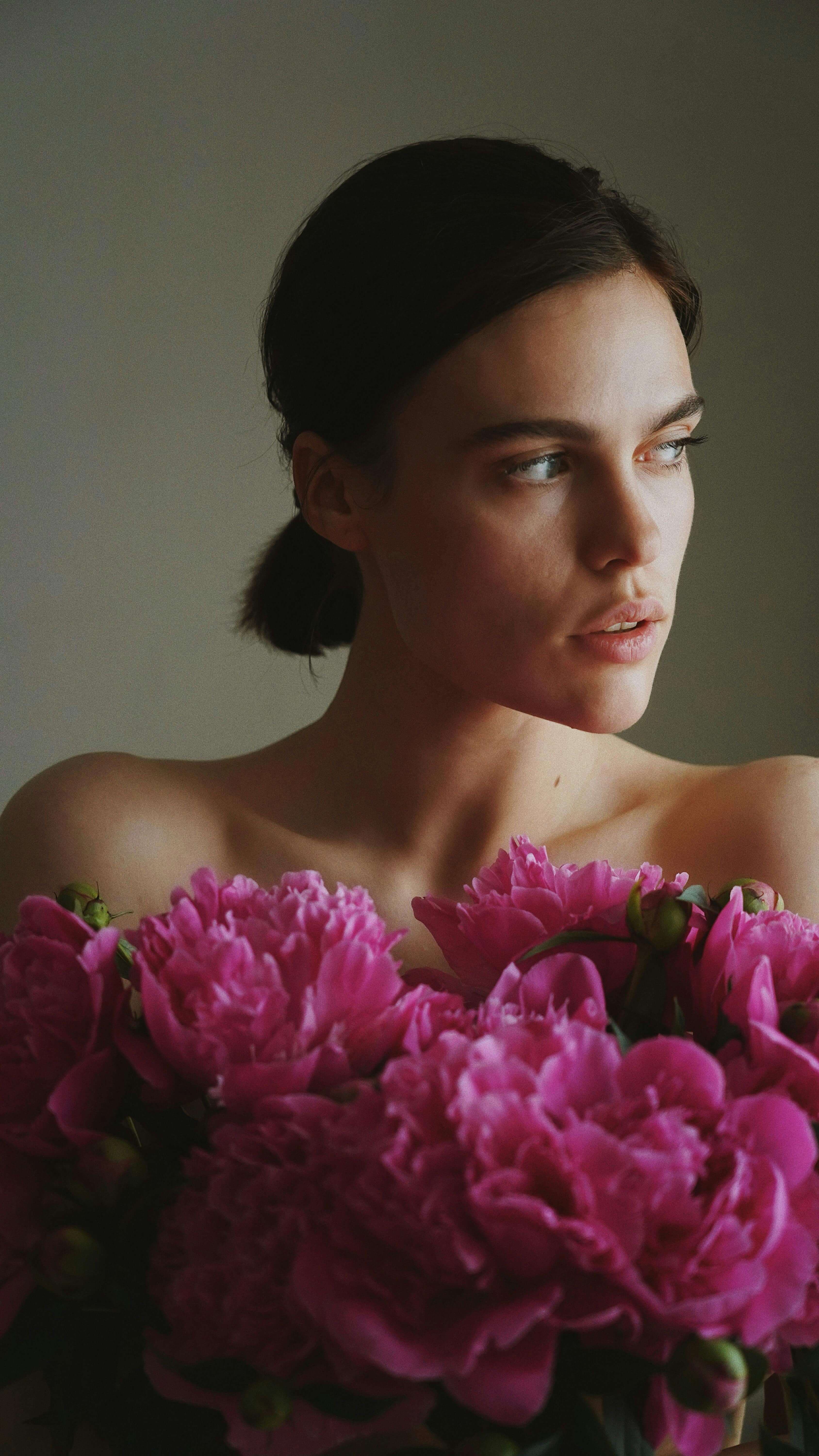
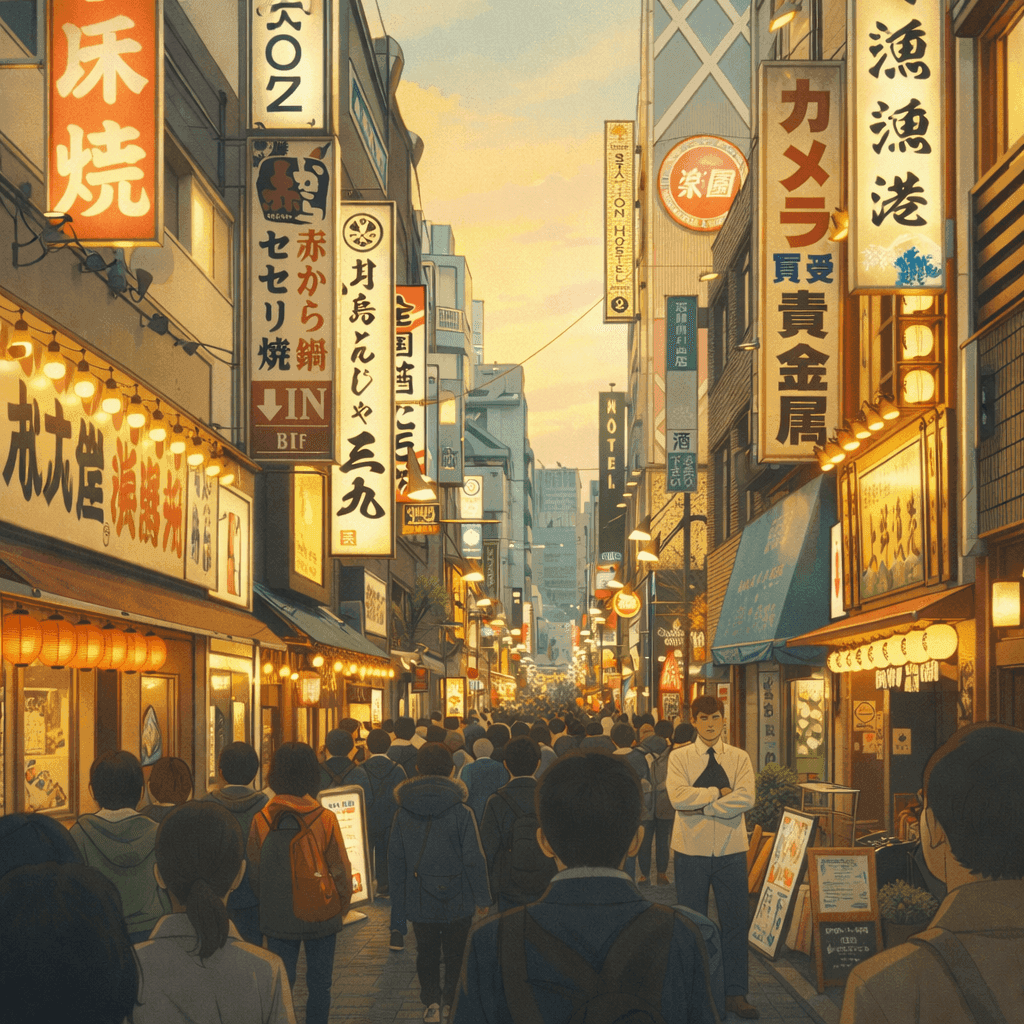
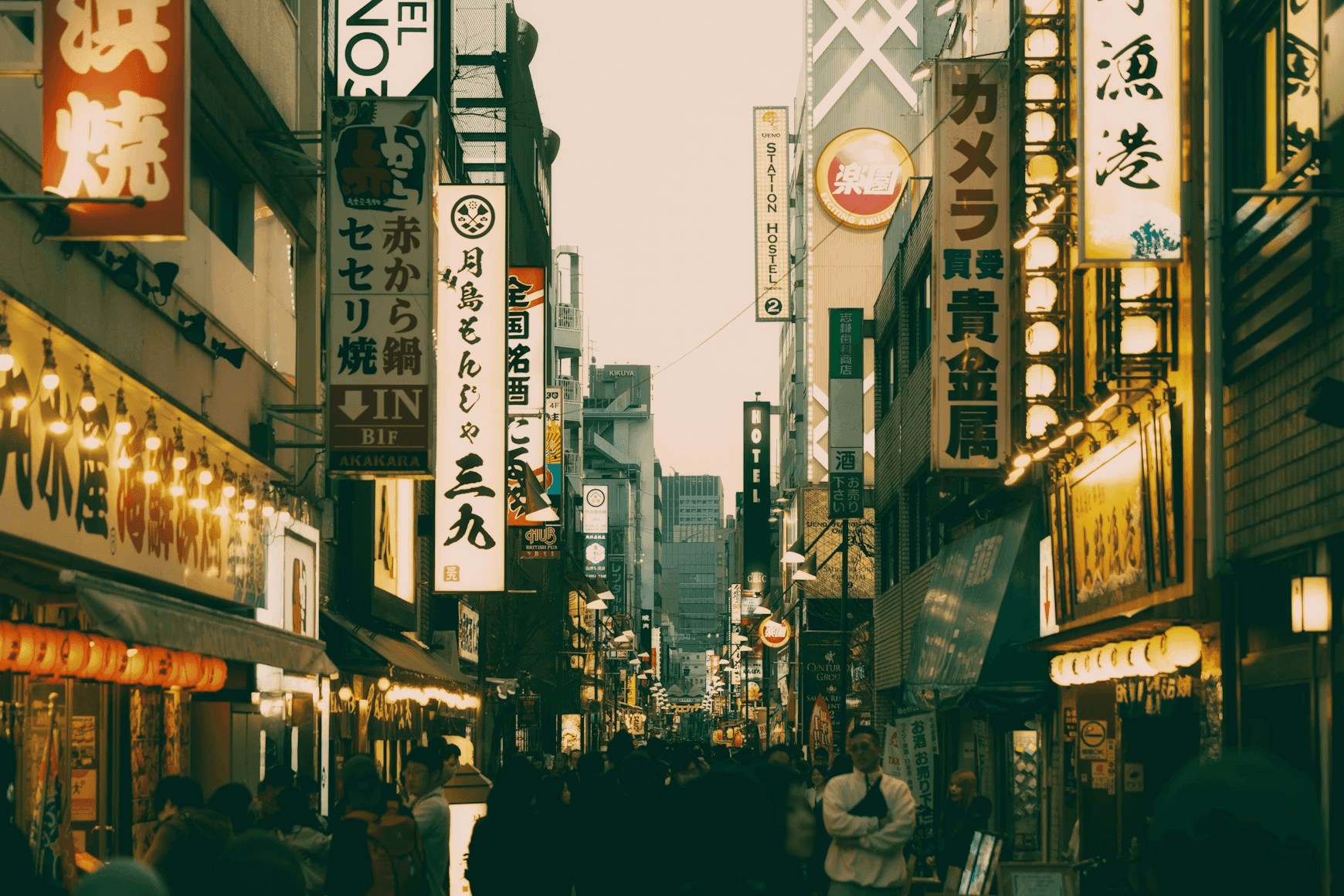
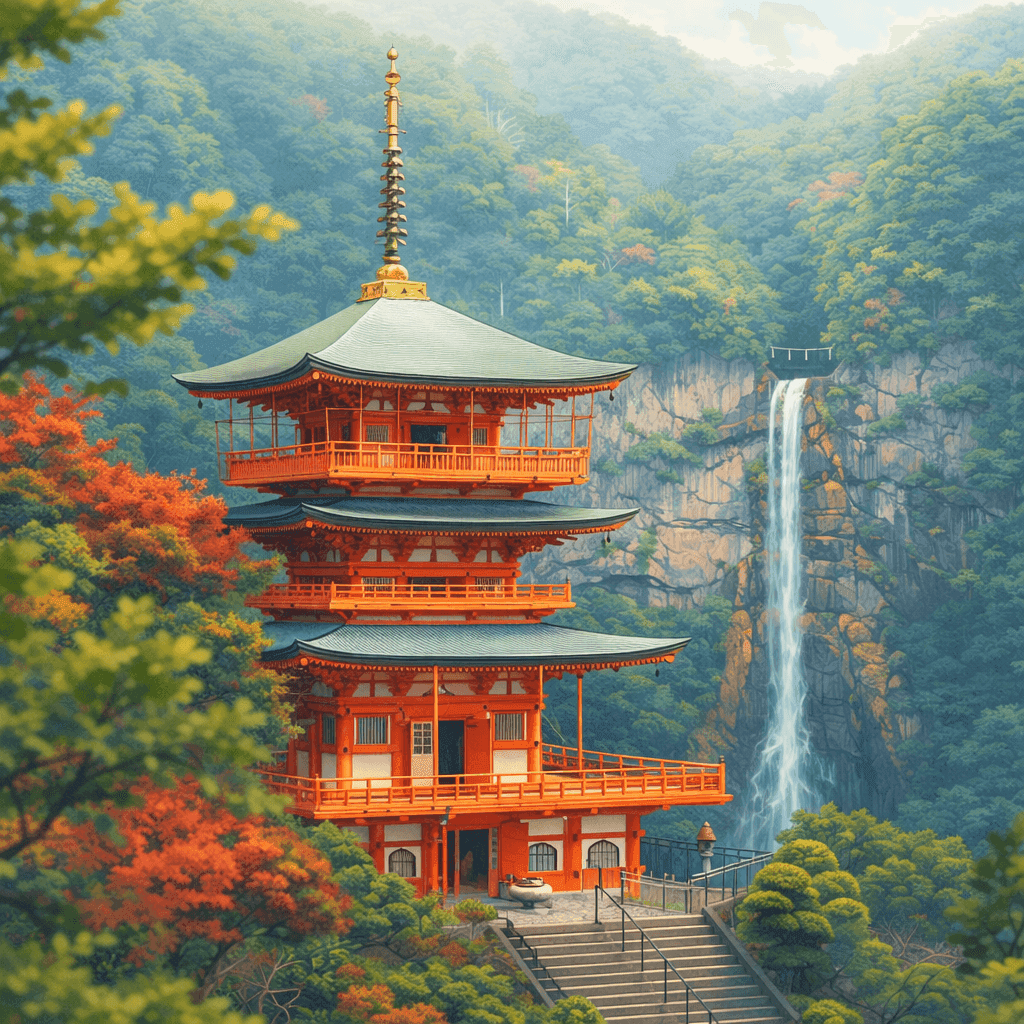
Convert Image to Ghibli Style - Before & After
Explore illustration examples using the comparison slider. Faces and composition can change during generation; these examples do not guarantee the result for your photo.

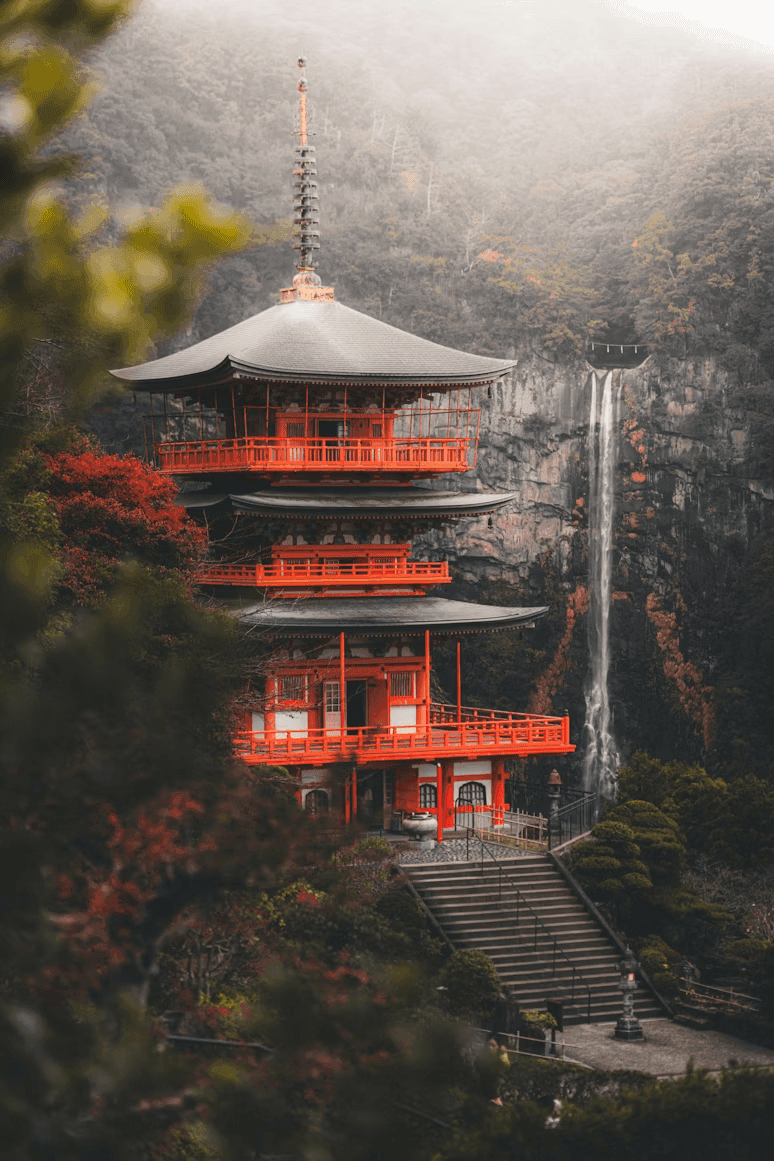


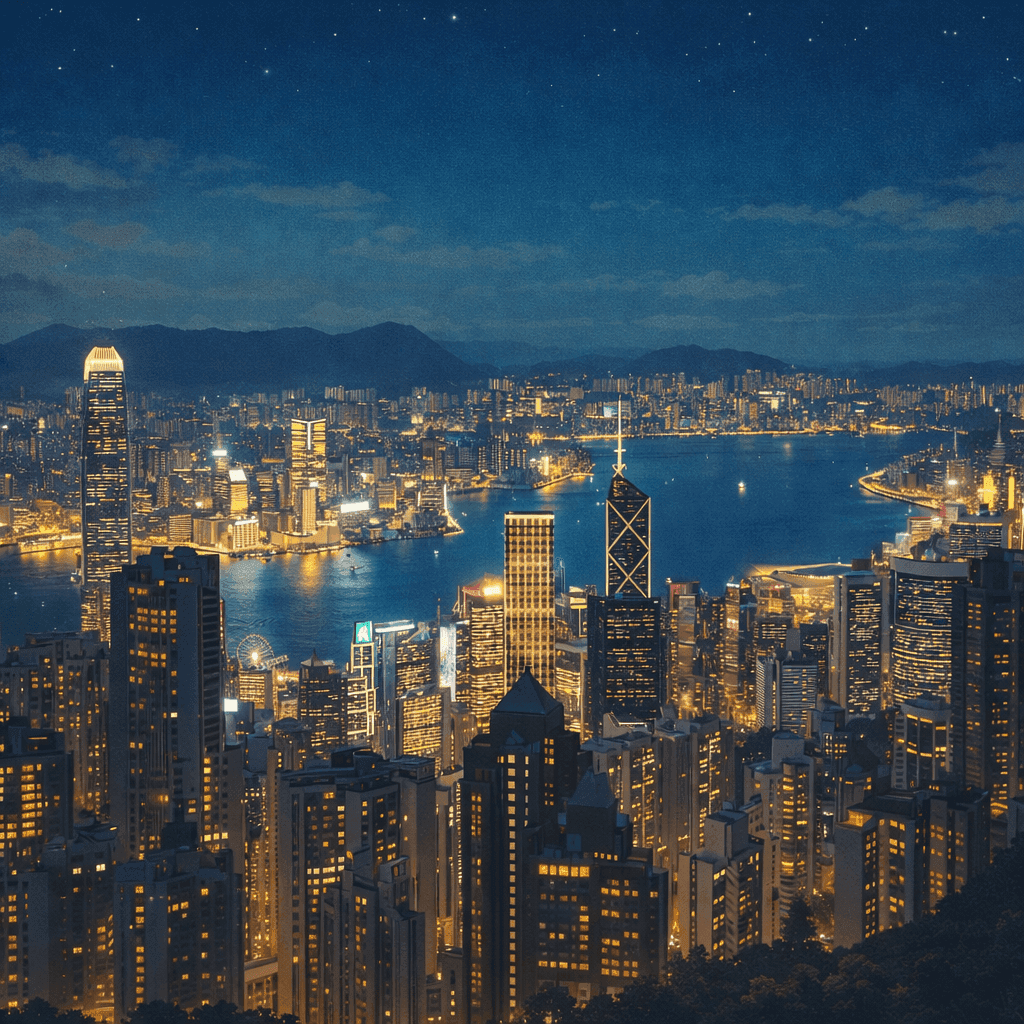
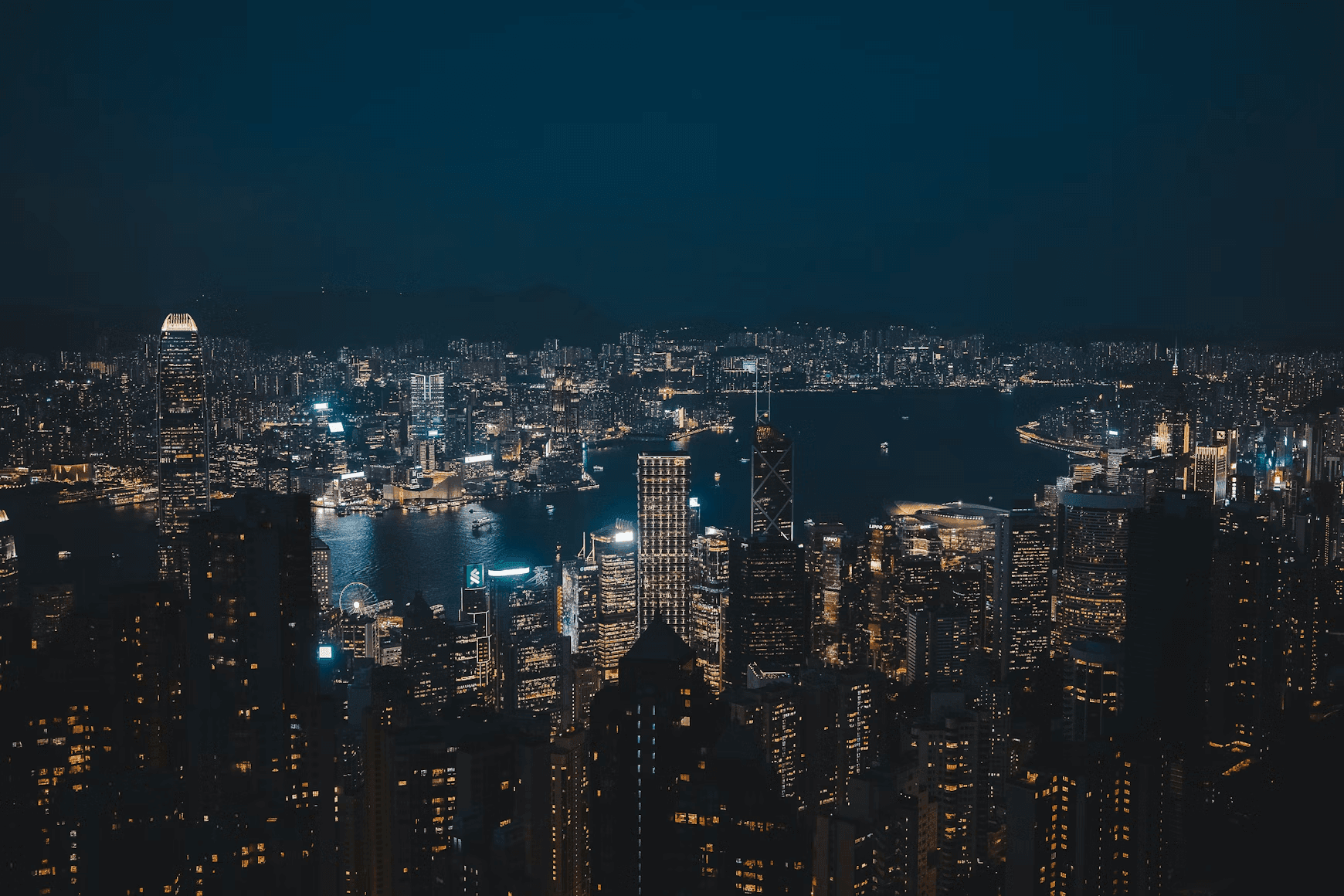
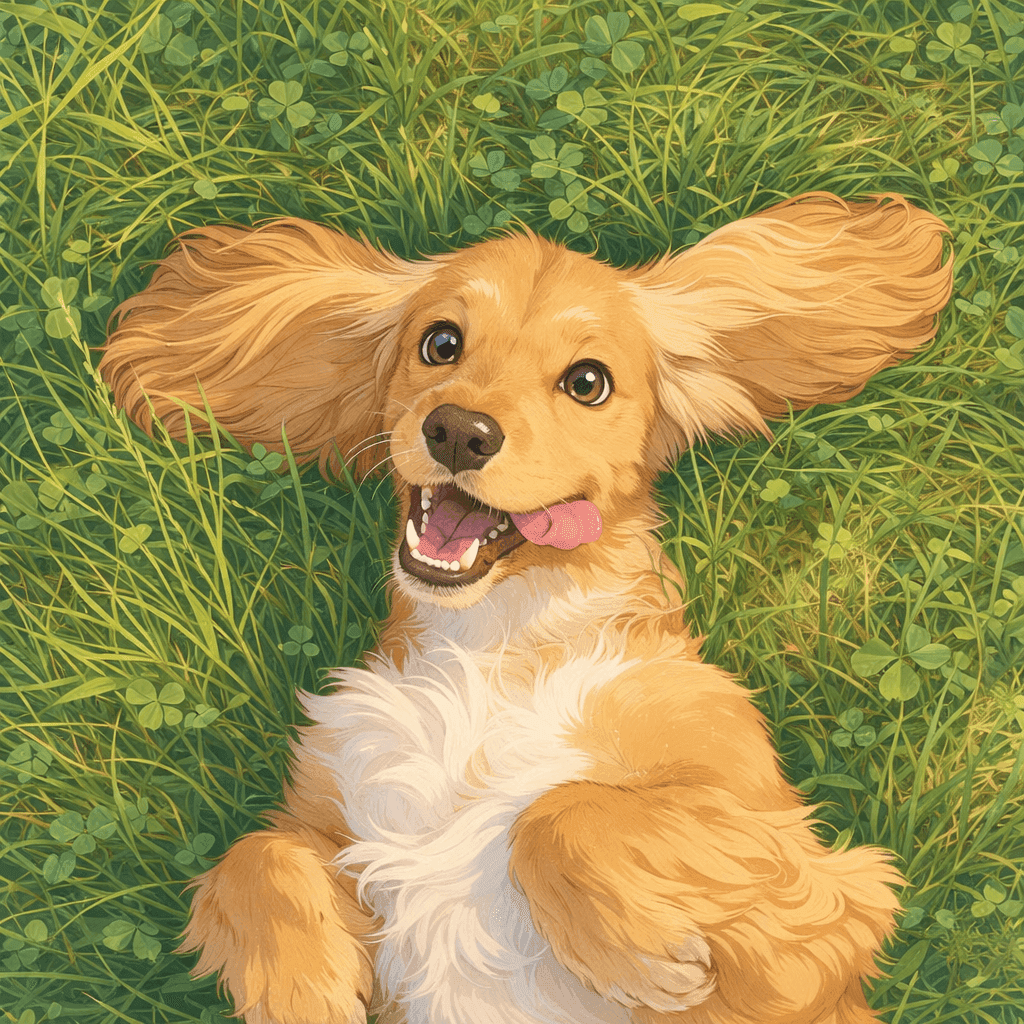

How Our Ghibli AI Works
Upload one photo, start a generation, and review the result. Guest access and free credits have limits.
Upload Your Photo
Choose any portrait, pet, or landscape photo from your device to start your Ghibli style journey.
Working with an animal portrait? Learn how to prepare a pet photo for an illustrated result.
Click and Transform
Choose an available aspect ratio and start the image-to-image generation. The tool applies its preset style instructions.
Download Ghibli Art
Inspect faces and small details, then download the result. Check its pixel dimensions before preparing a print or large display.
Create an Anime-Inspired Version of Your Photo
Use one image as a starting point, then review the illustration for changes to important details.
Painterly Illustration
Explore soft colors, warm lighting, and an anime-inspired interpretation of your subject.
Browser-Based Generation
Upload one photo and follow the generation status. Processing time and the final detail vary.
Check Recognizable Details
Compare faces, expressions, clothing, and composition with your source. Reject changes that do not suit your intended use.
Creative Freedom
Turn scenery, pets, food, or group photos into magical anime worlds. The perfect tool for creating custom ghibli art designs.
Understand Image Handling
Uploads and generated images may be stored. The selected AI provider receives your image to process the edit. Review our Privacy Policy before uploading.
Accessible Anywhere
Enjoy a fully responsive Ghibli AI web application that works seamlessly on mobile devices, tablets, and desktops.
Choose the plan that fits how you create
Choose credits for restoration, portraits, retouching, illustration, and upscaling. Free access has usage limits.
Start with a one-time purchase
One-time universal credit packs
Use the same credits across every feature. Choose a pack once and spend credits whenever you need them.
One payment · No auto-renewal · Credits never expire
Starter
700 credits$9For example: about 70 Nano Banana 2 edits OR 35 GPT Image 2 edits.
Examples only. Credits work across all tools; usage varies by feature and model.
Creato
2,000 credits$21.99For example: about 200 Nano Banana 2 edits OR 100 GPT Image 2 edits.
Examples only. Credits work across all tools; usage varies by feature and model.
Pro
5,000 credits$48.99For example: about 500 Nano Banana 2 edits OR 250 GPT Image 2 edits.
Examples only. Credits work across all tools; usage varies by feature and model.
For regular use
Monthly credits. Renews automatically until canceled.
For trying things out and light edits.
- No watermarks
- Review usage rights for your project
- Failed generations are not charged
800 credits
For example: about 80 Nano Banana 2 edits OR 40 GPT Image 2 edits.
Examples only. Credits work across all tools; usage varies by feature and model.
- All AI photo editing tools
- HD downloads
Cancel anytime
For creators who edit every week.
- No watermarks
- Review usage rights for your project
- Failed generations are not charged
2,000 credits
For example: about 200 Nano Banana 2 edits OR 100 GPT Image 2 edits.
Examples only. Credits work across all tools; usage varies by feature and model.
- Everything in Starter
- Top-up packs 10% off
- Priority email support
Cancel anytime
For heavy AI usage and client work.
- No watermarks
- Review usage rights for your project
- Failed generations are not charged
4,000 credits
For example: about 400 Nano Banana 2 edits OR 200 GPT Image 2 edits.
Examples only. Credits work across all tools; usage varies by feature and model.
- Everything in Pro
- Top-up packs 20% off
- Early access to new AI tools
Cancel anytime
Sign up to claim free credits
Claim 30 welcome credits; daily claims up to 10, within the free balance cap
Frequently asked questions
Payment via Creem · Contact support about purchase and refund questions
Frequently Asked Questions
Everything you need to know.
Blog & Tutorials
Discover tips, tricks, and deep-dives into AI image generation. Master your workflow with our latest guides.